Freelancer Business OS | All-in-One Notion Template for Clients, Projects, Tasks, Invoices & Finances
Overview
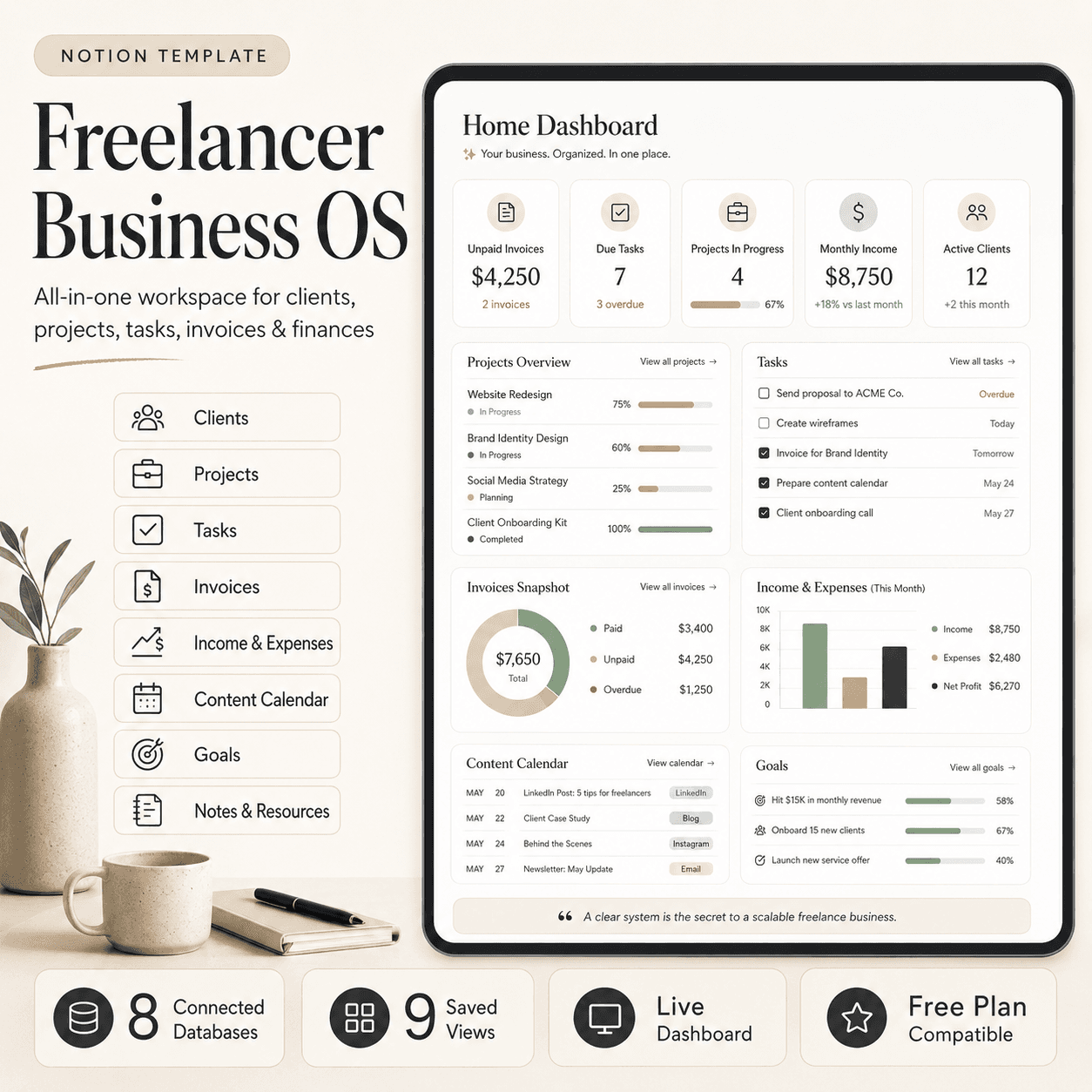
Freelancer Business OS is an all-in-one Notion workspace for solo freelancers and consultants. Manage clients, projects, tasks, invoices, income, expenses, content, goals, and business resources using 8 connected databases, 9 saved views, and a live daily dashboard.
Freelancer Business OS — Run Your Freelance Business from One Notion Workspace
Stop managing your clients, projects, tasks, invoices, finances, content, and goals across scattered spreadsheets and apps.
Freelancer Business OS is an all-in-one Notion workspace built for solo freelancers, consultants, and one-person studios. It gives you one connected system for managing your daily work, client relationships, project deadlines, invoices, income, expenses, marketing, goals, and reusable business knowledge.
The system includes 8 connected databases, 9 saved views, and a live Home Dashboard that shows your due tasks, active projects, unpaid invoices, cash flow, content, and goals in one place.
What you can manage
- Leads and active clients
- Client contact details and revenue
- Paid projects, budgets, and deadlines
- Daily tasks and project progress
- Sent, paid, and overdue invoices
- Business income and expenses
- Receipts and deductible costs
- Content ideas and publishing dates
- Quarterly business goals
- SOPs, templates, swipe files, and resources
Connected business workflow
Freelancer Business OS keeps your information connected instead of duplicated.
- Clients connect to projects
- Projects connect to tasks
- Projects connect to invoices
- Paid invoices update client revenue
- Income and expenses support monthly reporting
- Content helps keep your client pipeline active
- Goals connect your daily work to quarterly targets
Marking a task as Done automatically updates the progress of its linked project. Marking an invoice as Paid adds it to the client’s Total Revenue, while each transaction receives a month value for easier reporting.
Included databases
- Clients
- Projects
- Tasks
- Invoices
- Income and Expenses
- Content Calendar
- Goals
- Notes and Resources
Included saved views
- Tasks Due This Week
- Tasks Kanban
- Active Projects
- Projects by Status
- Active Clients
- Invoices to Chase
- Monthly Income
- Monthly Expenses
- Content Calendar
Each saved view answers a practical business question, such as what must be completed this week, which projects are active, who owes you money, and how much came in or went out.
Perfect for
- Freelancers
- Consultants
- Designers
- Developers
- Copywriters
- Marketers
- Virtual assistants
- Coaches
- Independent creatives
- Solo service businesses
Easy setup
The workspace can be prepared in approximately ten minutes:
- Duplicate it into your Notion workspace.
- Explore or remove the included sample data.
- Add your clients.
- Add active projects and deadlines.
- Break projects into manageable tasks.
- Set your currency.
- Add your quarterly goals.
- Bookmark the Home Dashboard.
The template is compatible with Notion’s free plan and can be fully customized to fit your workflow.
What you receive
- Complete Freelancer Business OS Notion template
- 8 connected business databases
- 9 prebuilt saved views
- Live Home Dashboard
- Sample data
- Full setup and user guide
- Daily, weekly, and monthly operating workflow
- Customization and troubleshooting instructions
Important
This is a digital Notion template. No physical product will be shipped.
A free Notion account is enough to use it.
Manage your clients, finish projects on time, invoice consistently, and understand what your freelance business actually earns.
What's included
- Duplicate-ready Notion template
- Step-by-step setup guide
- Commercial license
- Free lifetime updates
- Client CRM module
- Client Management module
Tags
You might also like
Browse all →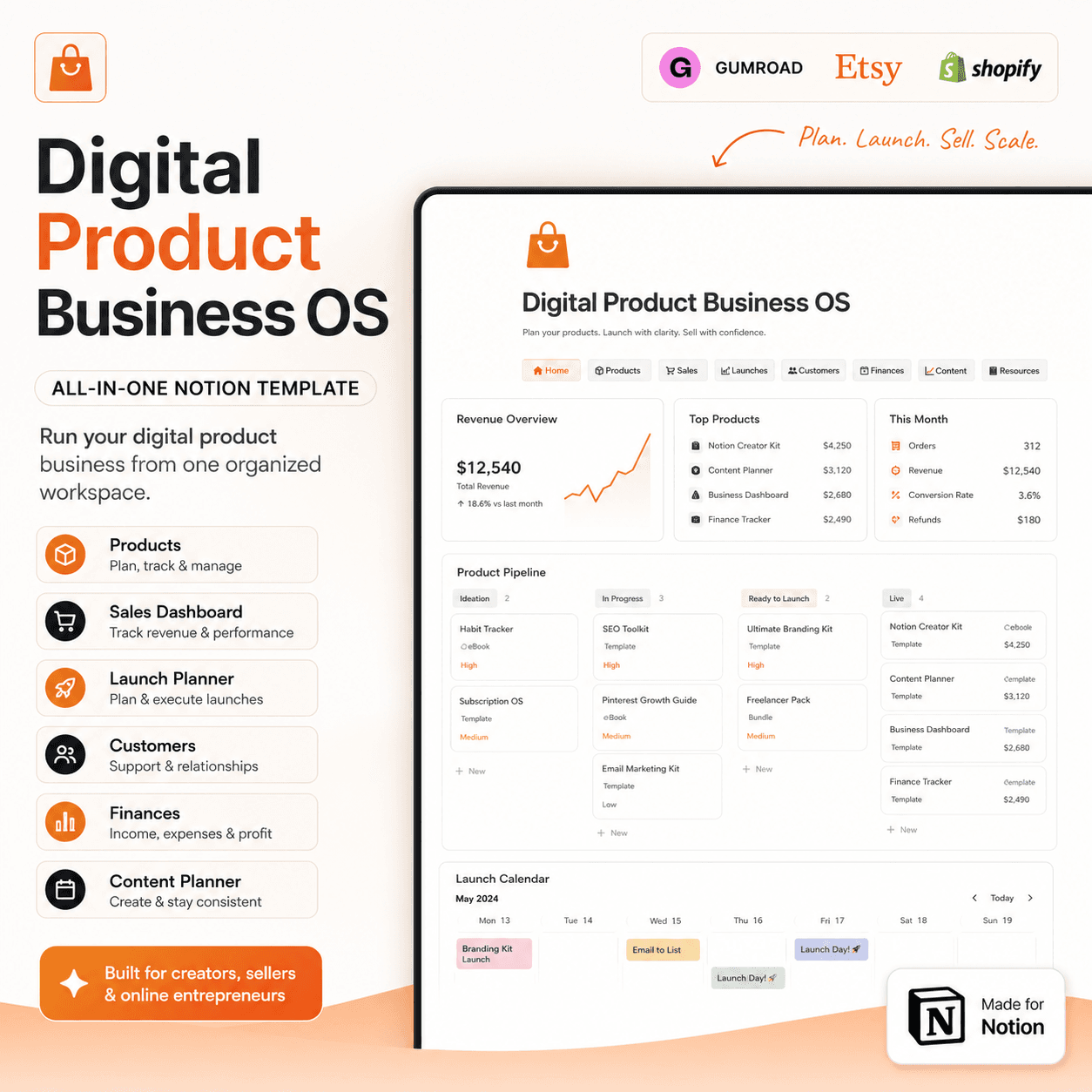 Notion
Digital Product Business OS | Notion Template for Gumroad, Etsy & Online Sellers
$50$29.99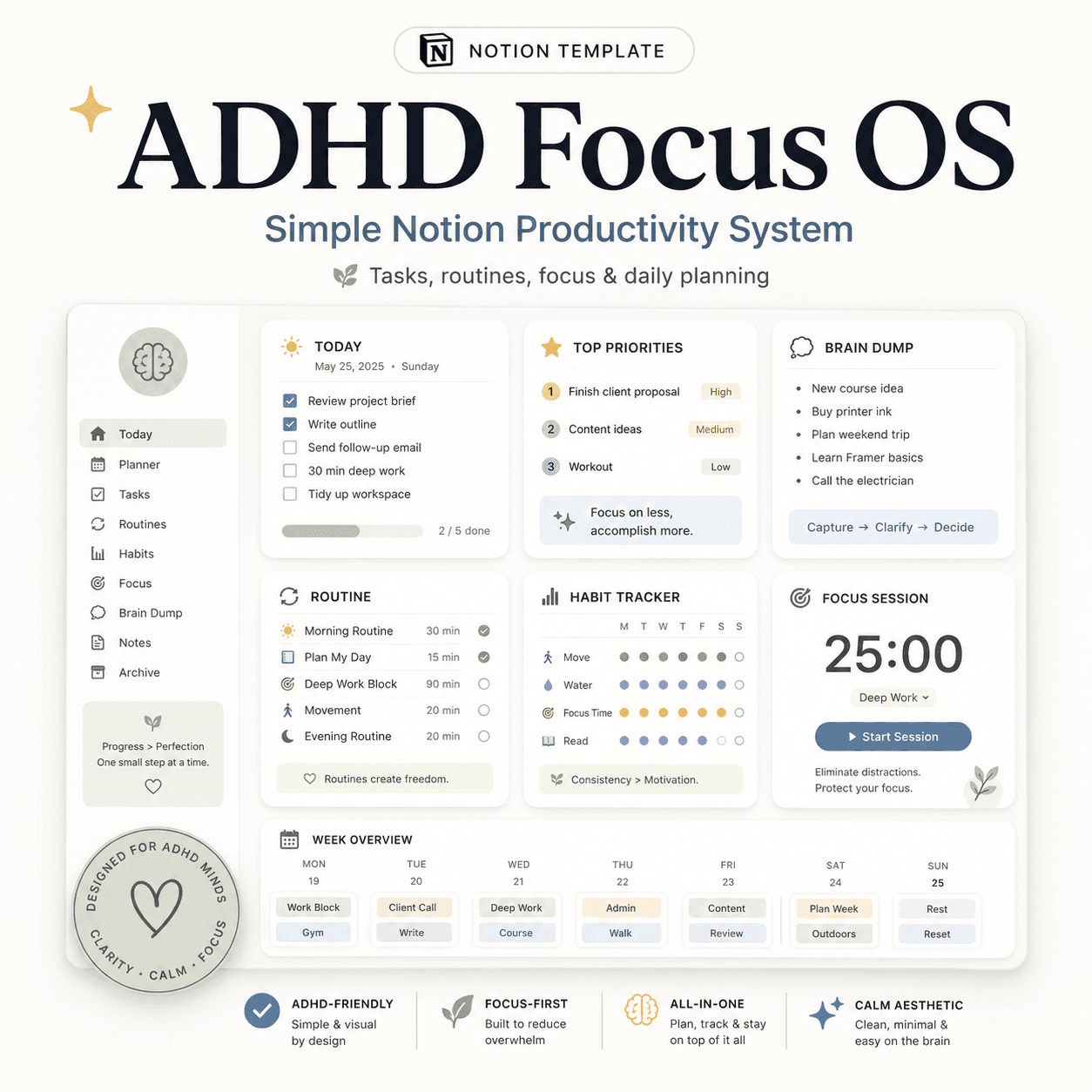 Notion
ADHD Focus OS | Simple Notion Productivity System for Tasks, Routines & Daily Planning
$50$29.99 E-books