7 n8n Workflow Mistakes That Break Your Automations (and How to Fix Them)
A workflow that runs fine in testing and breaks two weeks into production almost always fails for one of a small number of predictable reasons. Here are the seven that show up most often, and the specific fix for each.
New to n8n? How to build your first n8n workflow covers the basics these mistakes assume you already know.
1. No error handling on external API calls
The most common failure mode: a single HTTP Request node to a third-party API times out or returns an error, and the entire workflow execution just stops — no notification, no retry, no record of what didn't get processed.
Fix: Add a dedicated Error Trigger workflow that n8n calls automatically on any failure, and enable "Continue on Fail" with explicit downstream handling on nodes calling unreliable external services, rather than letting a single bad response kill the run.
2. Hardcoded IDs and credentials
A workflow copied from a template — or from your own earlier project — often has a specific Slack channel ID, spreadsheet ID, or API key baked directly into a node instead of a variable or credential reference. It works until you duplicate the workflow for a new client or environment, and it silently writes to the wrong place.
Fix: Use n8n's credential system for all auth, and reference IDs through workflow variables or environment-specific configuration rather than pasting them directly into node fields.
3. No deduplication logic
Workflows triggered by webhooks or polling schedules can fire more than once for the same event — a webhook retry, a scheduled poll overlapping with a slow previous run. Without deduplication, this shows up as duplicate leads, duplicate messages, or duplicate database rows.
Fix: Track processed IDs (in a database, a Google Sheet, or n8n's built-in data store) and check against that list before processing a new item. Templates from where to find n8n workflow templates often already include this check — worth confirming before you assume one doesn't need it.
4. Ignoring rate limits
A workflow that processes a batch of 500 records and calls an external API once per record will get rate-limited partway through if it doesn't respect the API's documented limits — and depending on how errors are handled, that can mean losing track of which records actually completed.
Fix: Use n8n's built-in batching (the SplitInBatches node) with a Wait node between batches, sized to stay under the target API's documented rate limit.
5. Overcomplicating what should be simple
Some workflows accumulate complexity because each new edge case gets bolted onto the existing structure instead of being redesigned. A workflow with 60 nodes handling what's conceptually a three-step process is harder to debug, slower to modify, and more fragile than it needs to be.
Fix: Periodically re-read the workflow as if you'd never seen it. If you can't explain what it does in three sentences, it's worth restructuring — often by splitting it into smaller sub-workflows called from a parent.
6. No monitoring after activation
A workflow that's been silently failing for a week is worse than one that never ran, because you've been assuming it worked. n8n's Executions tab logs everything, but only if someone actually checks it.
Fix: Wire a failure notification (Slack, email) directly into the Error Trigger workflow so failures surface immediately instead of during a routine check days later.
7. Skipping the test run with real data
A workflow that's only ever been tested with clean, hand-crafted sample data will break the first time it meets a real record with a missing field, an unexpected null, or an unescaped character.
Fix: Before activating a schedule or webhook trigger, run the workflow manually against a batch of actual production data — not test fixtures — and inspect the output at every node.
Building it right from the start
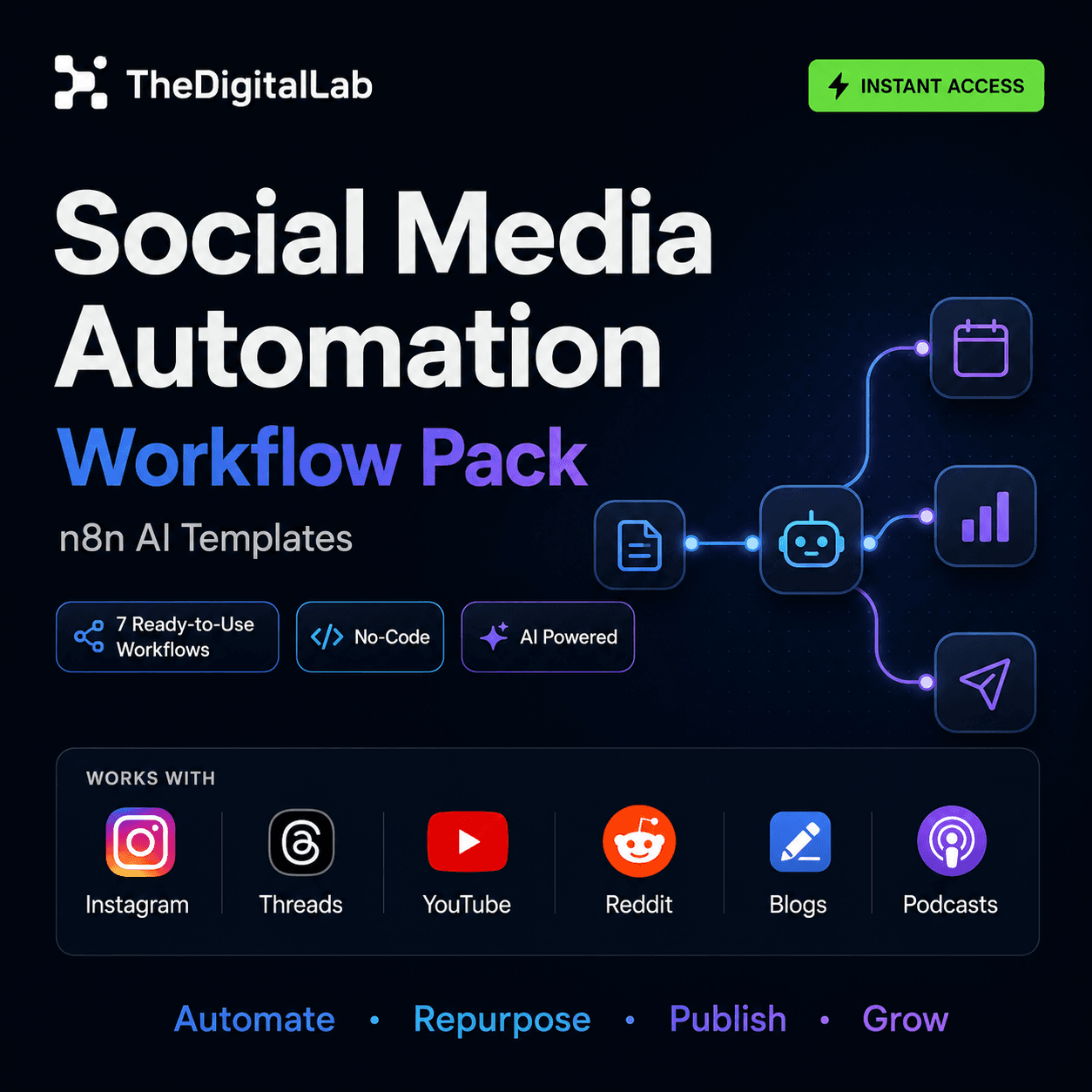
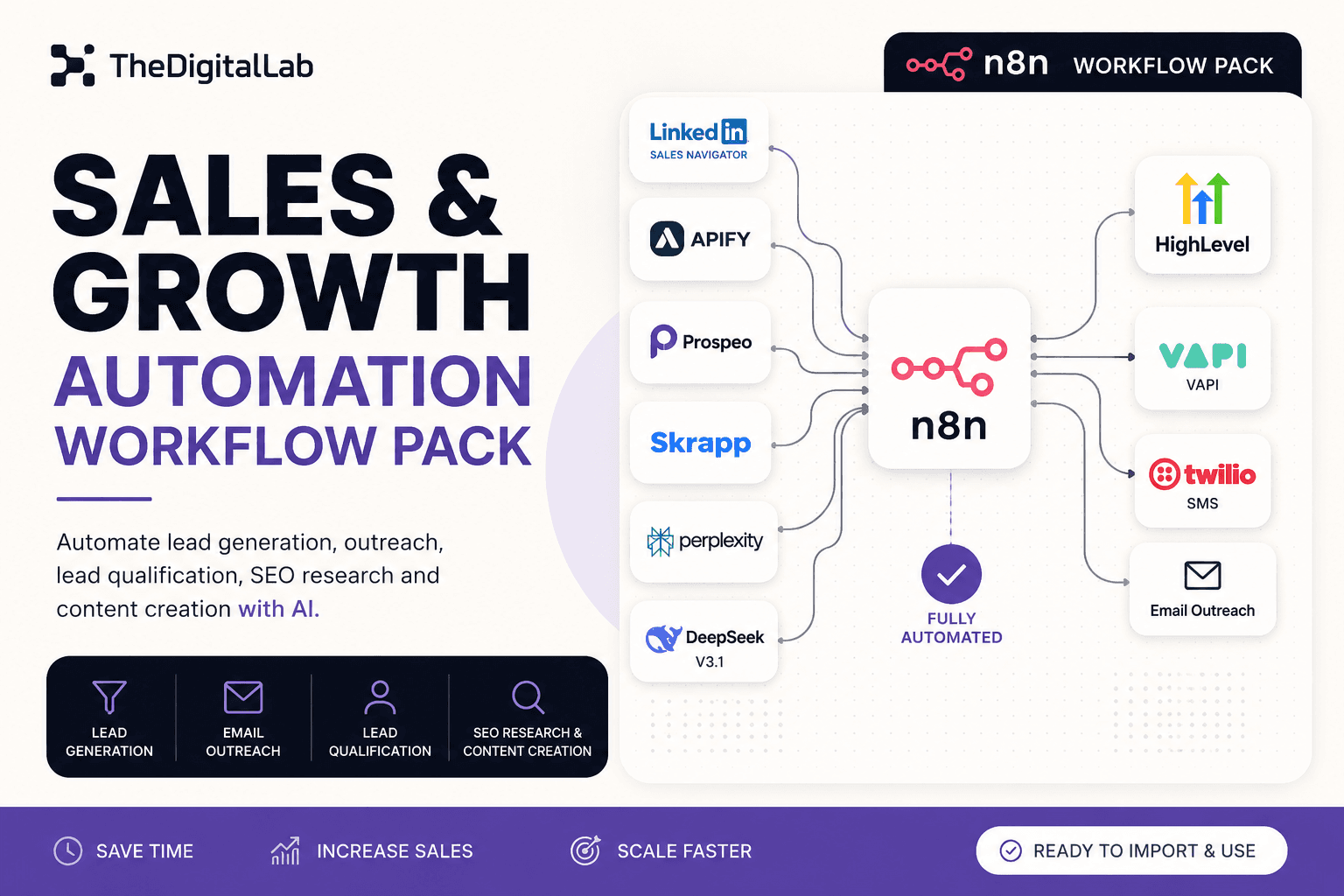
Most of these mistakes are cheaper to avoid than to fix after a workflow is live and depended on. If you're building from a template, where to find n8n workflow templates covers how to evaluate one for exactly these failure points before you import it — and browsing tested workflow packs skips several of these mistakes entirely, since error handling and rate limiting are already built in. For the fundamentals these mistakes assume, see our complete guide to n8n workflows.
Build this with
More from the lab
View all posts →n8n Workflows: The Complete Guide to Automating Your Business
What n8n workflows actually are, when to build vs. import one, and how to use them to automate social media, lead generation, e-commerce and more.
n8n Workflow Templates: Where to Find Free, Ready-to-Use Automations
Where to find free n8n workflow templates, how to evaluate one before importing it, and when a paid workflow pack saves more time than a free template.
 Automation
WooCommerce + n8n: Automate Order Processing and Customer Emails
How to connect WooCommerce to n8n using webhooks and the REST API to automate order processing, inventory alerts, and customer notifications.