n8n Workflows: The Complete Guide to Automating Your Business
Most businesses don't have a staffing problem. They have a repetition problem — the same five-minute task, done by hand, three hundred times a month. n8n workflows exist to take that repetition off a person's plate and hand it to software that never forgets a step.
This guide covers what n8n actually is, how a workflow is put together, and the five areas where automating with n8n pays off fastest: getting started, social media, lead generation, e-commerce, and how it stacks up against Zapier and Make.
What is n8n?
n8n is an open-source workflow automation platform. You connect a trigger (a new form submission, a scheduled time, an incoming webhook) to a chain of nodes — HTTP requests, database writes, AI model calls, conditional logic — and n8n runs that chain automatically every time the trigger fires. Unlike a single-purpose Zap or Make scenario, an n8n workflow is a visual canvas you can branch, loop, and debug node-by-node, and because it's open-source you can self-host it for free or run it on n8n's managed cloud.
The platform sits in an unusual spot: closer to a lightweight backend than a consumer automation toy. It has a JavaScript/Python code node for logic no built-in node covers, native support for calling LLMs and vector stores, and enough control over HTTP requests, headers, and pagination to talk to almost any API — documented or not.
Why teams choose n8n over hiring or scripting
Two alternatives to n8n exist for most automation problems: pay someone to do the task manually, or pay an engineer to write and maintain a custom script. n8n sits between them. It's faster to build than custom code because most of the plumbing — auth, retries, scheduling, error handling — is already there as a node you drag onto the canvas. And it's cheaper to run than a manual process because, once built, a workflow executes for the cost of server time, not headcount.
The trade-off is setup cost. A workflow that replaces ten minutes of daily manual work might take two hours to build correctly. That math only works if the task repeats often enough, and if the workflow is treated as software that needs occasional maintenance — API responses change shape, rate limits shift, third-party services rename fields. See 7 n8n workflow mistakes that break your automations for the failure patterns worth designing around from day one.
Getting started: your first n8n workflow
Every n8n workflow starts the same way: pick a trigger, pick an action, connect them, test with real data. The learning curve is steepest in the first workflow and flattens fast after that, because most workflows are variations on the same handful of patterns — fetch data, transform it, send it somewhere else. How to Build Your First n8n Workflow walks through the whole sequence end-to-end.
You don't have to build every workflow from a blank canvas. n8n's own template library and third-party packs cover common automations end-to-end, so the fastest path for a lot of teams is importing a working workflow and customizing the parts specific to their stack rather than building from zero. See where to find n8n workflow templates for a breakdown of free vs. paid sources and how to evaluate one before you import it.
Even well-built workflows fail in predictable ways — an unhandled error node, a webhook that silently stops firing, credentials that expire. Knowing the common failure points before you hit them saves hours of debugging later.
Automating social media with n8n
Content teams and agencies are one of the fastest-growing user bases for n8n, mainly because the work is naturally sequential and repetitive: research a topic, draft it, reformat it for five platforms, publish, and reply to what comes back. Each of those steps is a workflow on its own, and they chain together cleanly.
7 n8n Workflows to Automate Social Media Content walks through seven of the highest-leverage automations in this space — including turning a single YouTube video into a fully produced podcast episode without touching an editing timeline.
One of the biggest time sinks in content marketing isn't creating the first piece of content — it's reformatting that one idea into a week's worth of platform-specific posts. How to Repurpose One Content Idea Into a Full Week of Posts covers the repurposing pipeline in detail: one long-form asset in, seven platform-native pieces out.
Once content and repurposing are automated, the last mile is scheduling and publishing across platforms without a separate scheduling tool subscription.
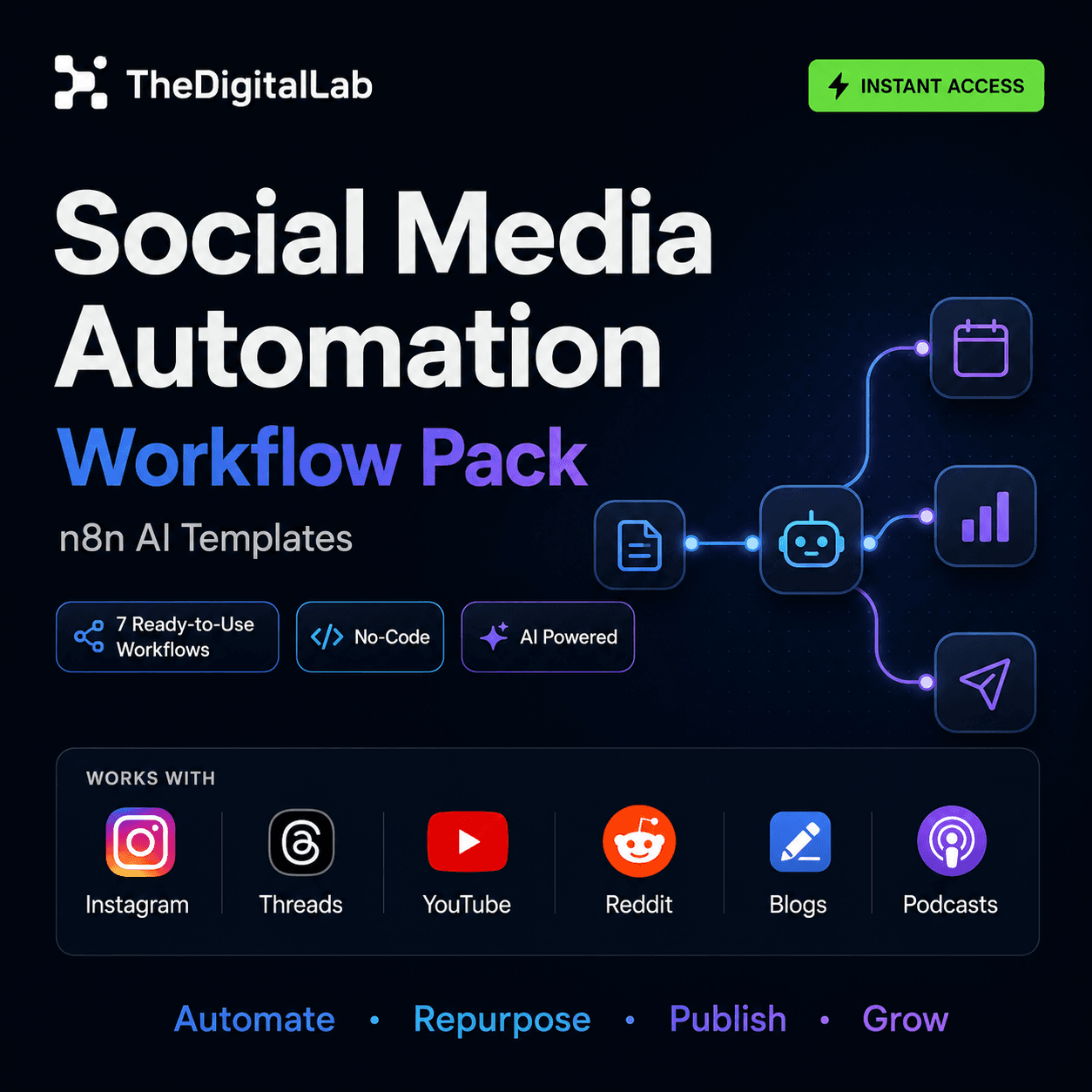
Our Social Media Automation Workflow Pack packages seven of these workflows — research, creation, repurposing, publishing and engagement — ready to import into your own n8n instance.
Automating lead generation and sales with n8n
Sales teams lose more hours to manual prospecting and follow-up than almost any other function automation touches: finding leads, checking whether they fit an ideal customer profile, logging them somewhere, and following up before the trail goes cold. n8n Lead Generation Automation covers the full sourcing-to-routing pipeline.
A workflow that finds a lead is only half the job — it also has to land in a CRM in a usable shape, scored and deduplicated, or sales reps end up doing the same manual triage n8n was supposed to remove. n8n CRM automation covers keeping that data clean automatically.
Outreach is the other half of the pipeline, and it's the part most teams still do by hand one message at a time. Cold outreach automation with n8n and AI covers personalizing messages at scale from that same enriched lead data.
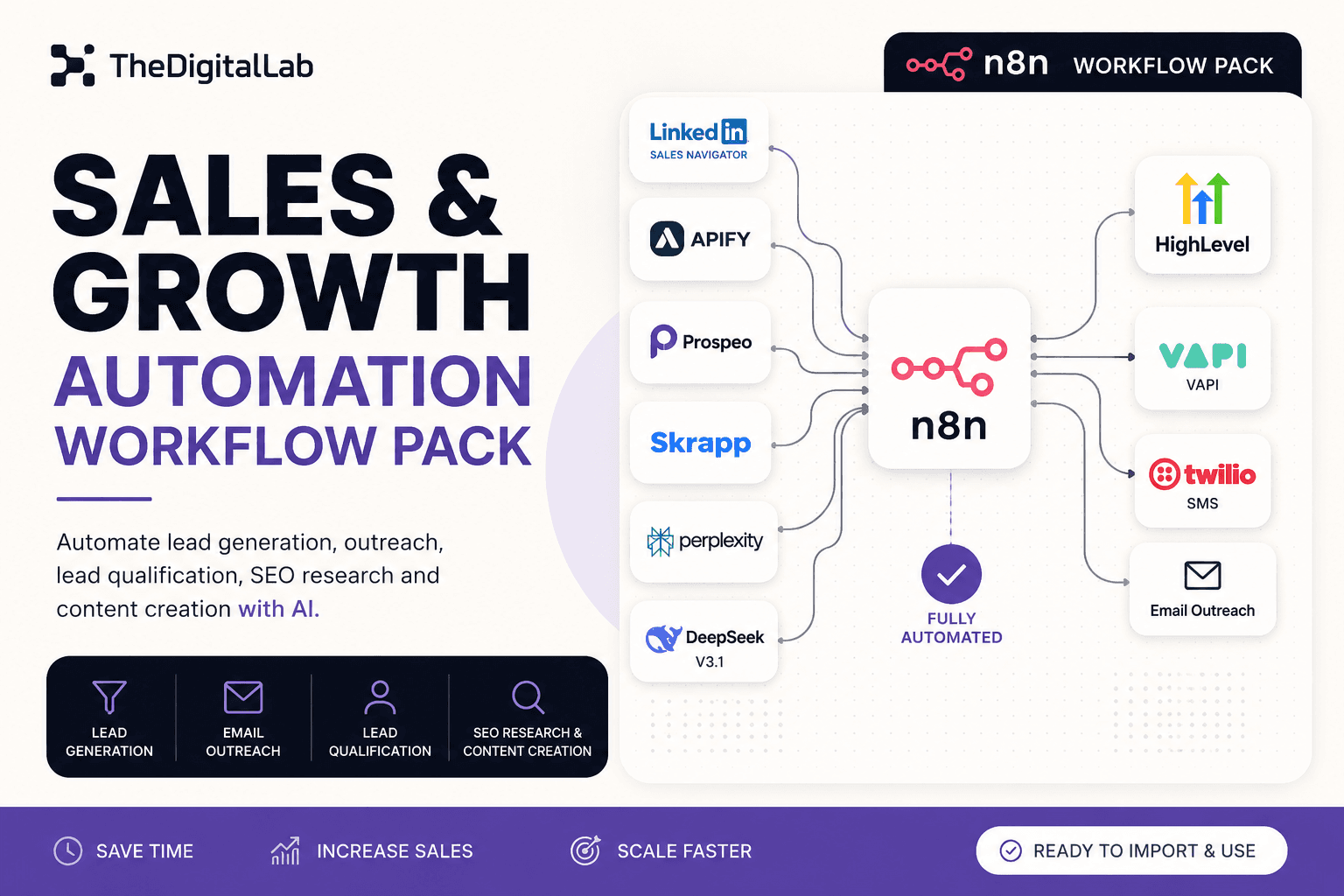
Our Sales & Growth Automation Workflow Pack combines LinkedIn prospecting, AI-powered lead qualification, and automated SEO content creation into three workflows built to run together.
Automating e-commerce operations with n8n
E-commerce is a different kind of automation problem: less about content and outreach, more about keeping inventory, orders, and customer communication in sync across platforms that don't talk to each other natively. n8n for e-commerce covers automating orders, inventory and fulfillment end-to-end.
Shopify and WooCommerce each have their own API quirks, and the highest-value workflows are usually store-specific rather than generic. Shopify automation with n8n and WooCommerce + n8n cover each platform in detail.
If you're running a product-based e-commerce business, Digital Product Business OS — our Notion-based command center for tracking products, orders, inventory and profitability across Etsy, Shopify and Gumroad — pairs well with n8n workflows that automate the order and fulfillment side, even though it isn't itself an n8n workflow.
n8n vs. Zapier vs. Make: which one should you use?
The honest answer is that all three can build the same simple automation — the difference shows up at the edges: cost at scale, how much control you need over logic and error handling, and whether you're willing to self-host. n8n vs Zapier vs Make breaks down each of those trade-offs in detail.
Cost is usually the deciding factor once a team scales past a handful of automations, and n8n's pricing model — free if self-hosted, execution-based if not — behaves very differently from Zapier and Make's task-based pricing as volume grows. n8n pricing explained breaks down self-hosted vs. cloud costs in detail.
Where to go from here
n8n rewards starting small. Pick one repetitive task, build a single workflow for it, and let that first win tell you whether the next one is worth building. Browse n8n workflow templates to start from a working pipeline instead of a blank canvas, and use the guides above to go deeper on the specific area — social, sales, or e-commerce — where you're losing the most time to manual work.
Build this with
More from the lab
View all posts →n8n Workflow Templates: Where to Find Free, Ready-to-Use Automations
Where to find free n8n workflow templates, how to evaluate one before importing it, and when a paid workflow pack saves more time than a free template.
7 n8n Workflow Mistakes That Break Your Automations (and How to Fix Them)
The most common n8n workflow mistakes — from missing error handling to hardcoded credentials — and the specific fix for each one.
 Automation
WooCommerce + n8n: Automate Order Processing and Customer Emails
How to connect WooCommerce to n8n using webhooks and the REST API to automate order processing, inventory alerts, and customer notifications.