How to Create a Notion Template From Scratch (Step-by-Step)
The difference between a Notion page that looks organized and one that's actually a template comes down to one decision made early: whether the structure is built on databases or just formatted text. A page with headers, toggles and a checklist looks like a system. A page backed by a database with real properties, relations and multiple views actually is one. (This same database-first thinking applies to every system covered in our complete guide to Notion templates.)
Start with the database, not the layout
Before touching fonts, covers or icons, define what the core database actually tracks and what properties it needs — status, date, a relation to another database, a rollup that summarizes related records. This is the step that's easy to skip and expensive to fix later, because restructuring a database's properties after it's full of real entries is far more work than designing them correctly before you add a single row.
Properties: fewer, well-chosen ones beat many vague ones
A common first-template mistake is adding a property for everything that seems potentially useful — ending up with a database that has fifteen properties, half of which never get filled in. Start minimal: a status, a date, maybe one relation. Add more only when you find yourself actually needing to filter or group by something the current properties don't capture.
Relations and rollups are what make it a system
A single database is a list. Two related databases — where one references rows in the other — is a system, because you can now build rollups that pull summarized data automatically instead of updating it by hand. This is the exact structure behind a working Notion CRM (Contacts related to Deals related to Activities) and the PARA method (Projects related to their supporting Resources) — different use cases, same underlying pattern.
Build multiple views before you call it done
A single table view is rarely the best way to look at every kind of data. A board view (grouped by status) suits anything moving through stages. A calendar view suits anything with dates. A gallery view suits anything visual. Building two or three views of the same underlying database — rather than a single table — is usually what separates a template from a spreadsheet with extra formatting.
Test it with real data before you call it finished
The properties and relations that look right on paper often reveal gaps once real, messy data runs through them — a relation that should allow multiple items but only allows one, a status option you forgot to add. Populate the template with a week or two of actual use before considering the structure final, rather than designing it entirely in the abstract and discovering the gaps later.
A simple worked example: building a reading-list database
Start with one database called Reading List. Properties: Title (title field), Status (select: To Read / Reading / Finished), Source (select or text), Rating (number, filled in only once Status is Finished). That's four properties — enough to build a board view grouped by Status immediately. Only after using it for two weeks would you consider adding a relation to a Notes database, and only if you actually find yourself wanting to jump from a book to related notes — not because a tutorial says every system needs relations from day one. This is the same restraint that separates a template that gets used from one that gets abandoned under its own complexity.
When it's worth skipping this and starting from a built system
Building from scratch makes sense when your use case is simple or genuinely unique. It makes less sense when you're solving a problem — running a company, tracking content, managing a second brain — that's already been solved well by an existing system. Free vs. paid Notion templates covers exactly where that trade-off sits, and once you've built one template successfully, how to sell Notion templates covers what it takes to package that same skill into a business.
Where to go next
If you've built the core database and it's working, the next step is usually adding the views and light automation (templates for new database entries, linked databases across pages) that make daily use faster. Browse Notion templates if you want to see how a fully-built system handles this — company operations, personal knowledge, or content pipelines — for reference while building your own.
Build this with
 Notion
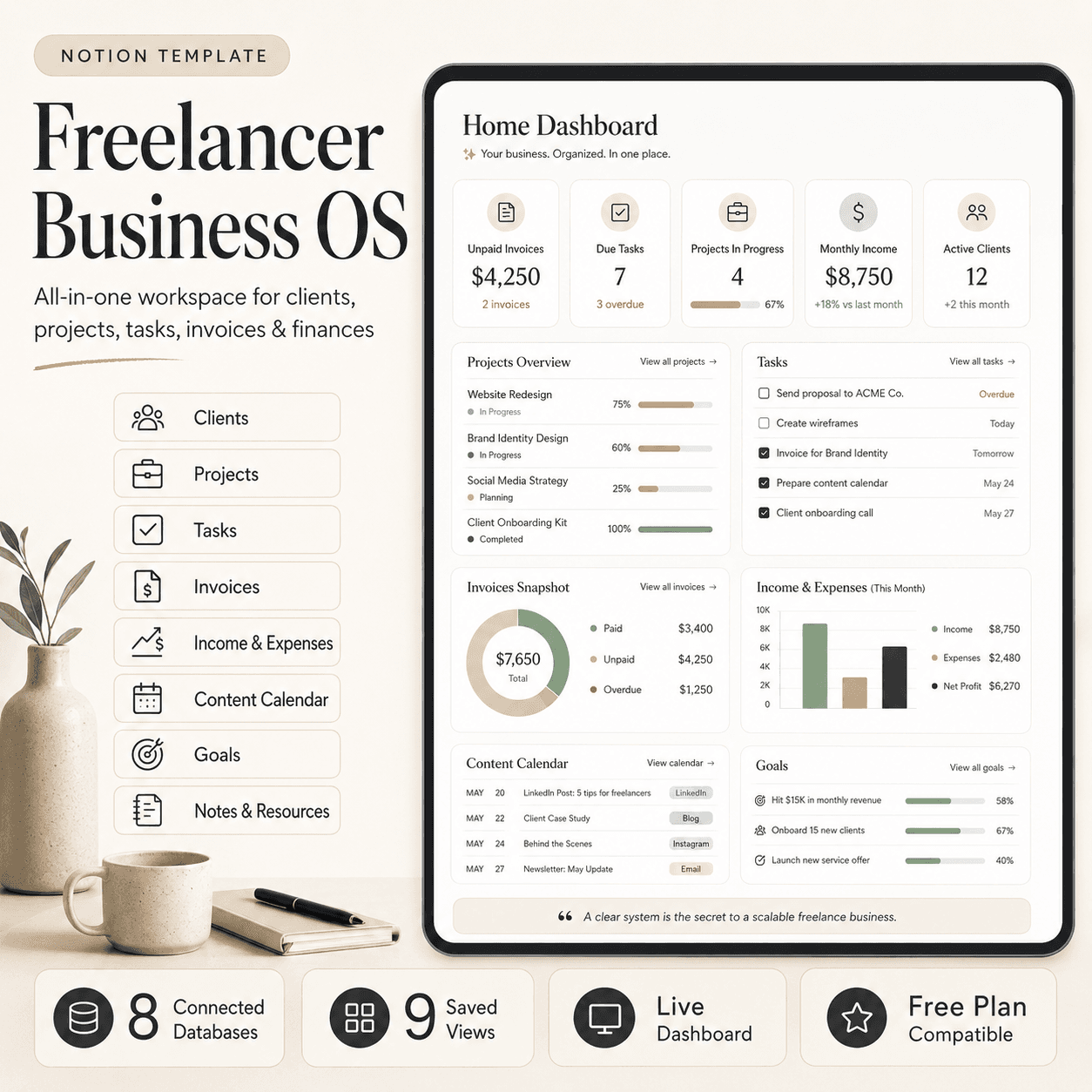
Freelancer Business OS | All-in-One Notion Template for Clients, Projects, Tasks, Invoices & Finances
$50$29.99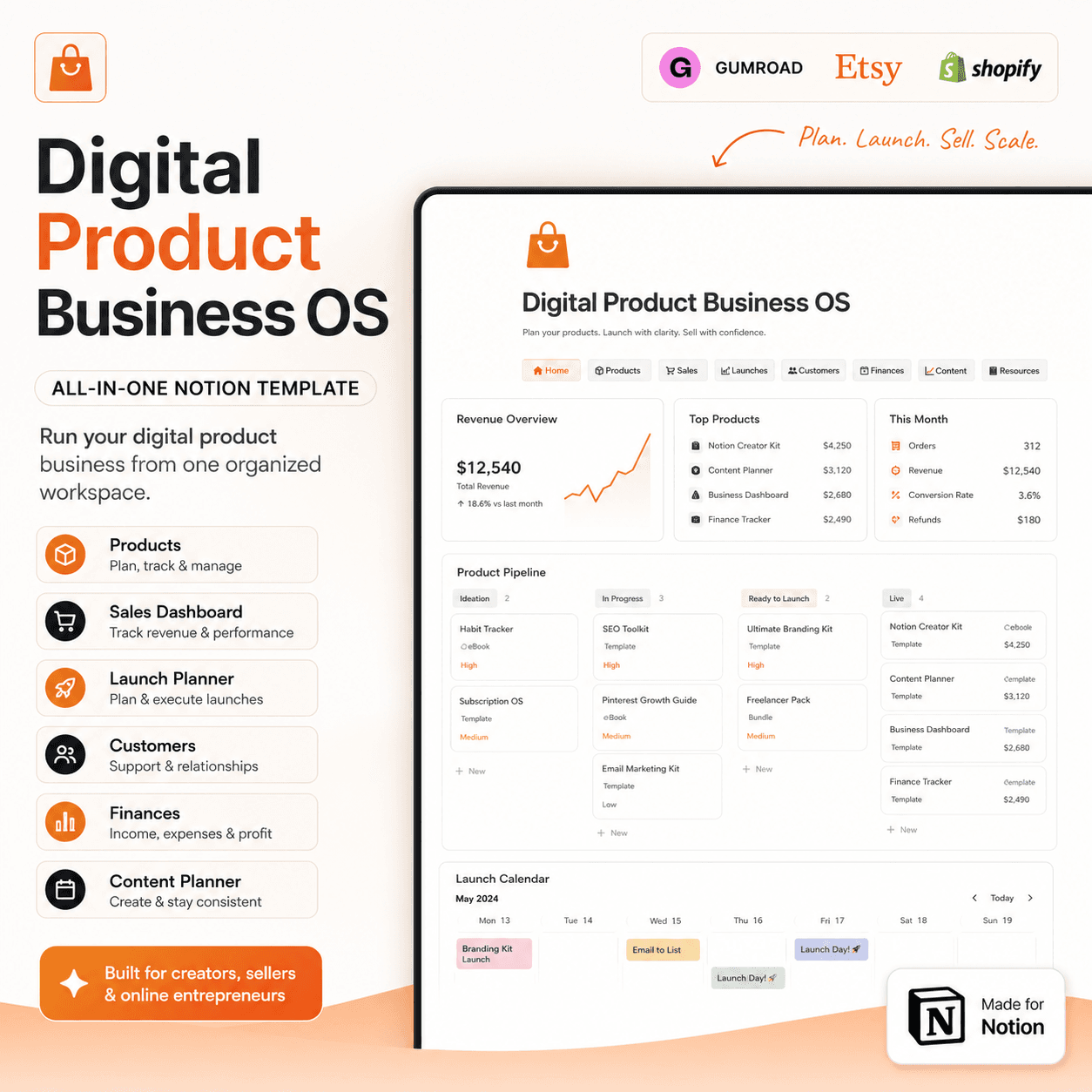 Notion
Digital Product Business OS | Notion Template for Gumroad, Etsy & Online Sellers
$50$29.99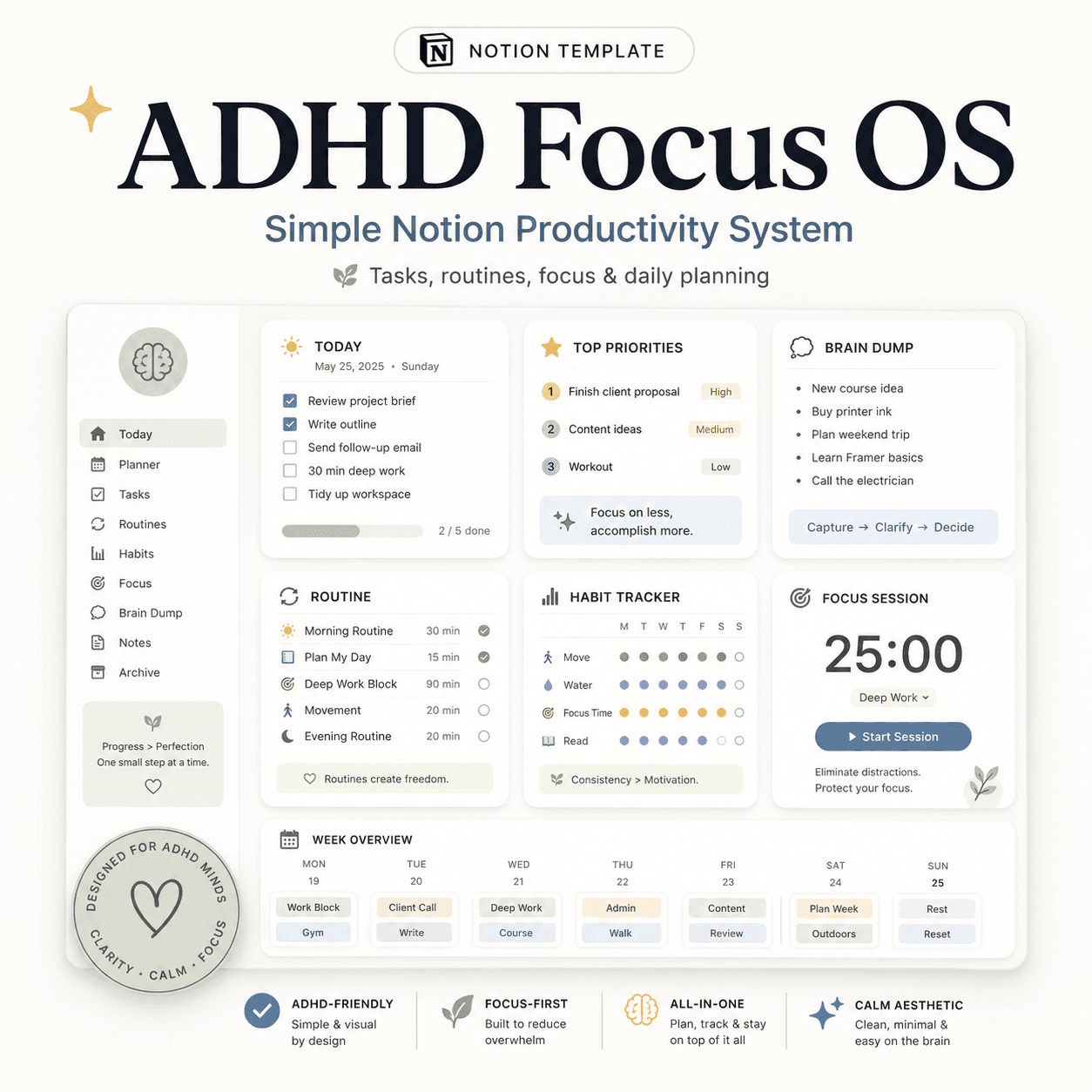 Notion
ADHD Focus OS | Simple Notion Productivity System for Tasks, Routines & Daily Planning
$50$29.99More from the lab
View all posts → Notion
The PARA Method in Notion: A Complete Setup Guide
How to build Projects, Areas, Resources and Archives as related Notion databases — not just four static pages — so the system actually holds up as it grows.
 Notion
Notion vs Trello vs ClickUp: Which One Should You Actually Use?
Where Notion, Trello and ClickUp each actually win — connected knowledge and flexible databases, dead-simple boards, or heavier built-in project management.
 Notion
Notion Templates: The Complete Guide to Building Your Best Workspace
What actually makes a Notion template worth using, free vs. paid trade-offs, and how to pick the right system for founders, personal productivity, content teams and more.