Notion vs Trello vs ClickUp: Which One Should You Actually Use?
All three tools can technically build the same kanban board. That surface-level overlap is why the comparison gets confusing — the real differences show up in what each tool is actually built around, and that's what should decide which one you pick, not a feature checklist where they mostly tie. (If you land on Notion, see our complete guide to Notion templates for how to pick the right system once you've made that call.)
Notion: a database and knowledge tool that happens to do project tracking
Notion's core strength is its relational database layer — pages that are really rows in a table, connected to other tables through relations and rollups. That makes it exceptional for anything that mixes structured tracking with unstructured knowledge: a CRM that also holds meeting notes, a content calendar that also holds brand guidelines, a personal system that's part task list and part reference library. Its weakness is the flip side of that flexibility — project management specifically (dependencies, native Gantt charts, workload views) requires more manual setup than a tool built around that one job.
Trello: the fastest tool for a simple visual board
Trello does one thing extremely well: a kanban board you can set up in minutes with almost no learning curve. It's the right choice when the job is genuinely simple — track cards through a few stages, drag them across a board, done — and you don't need those cards connected to a broader knowledge base or a second related dataset. Its ceiling is lower than Notion's or ClickUp's the moment you need more than a board: no native relational database, limited reporting, and automation (via Butler) that's more basic than either competitor offers.
ClickUp: the most built-out project management feature set
ClickUp packs in more native project-management functionality out of the box than either competitor — Gantt charts, time tracking, workload views, and dependency management without third-party add-ons. It's the strongest choice for teams whose core need genuinely is project delivery: deadlines, dependencies, and resource planning across a team. The trade-off is a steeper learning curve and an interface that can feel heavier for anyone who just needs a simple tracking system rather than the full project-management toolkit.
Migration is rarely as painful as it sounds
Teams often stay with the wrong tool longer than they should because switching sounds disruptive. In practice, all three tools support CSV import for basic data, and the real migration cost is rebuilding automations and views, not moving the underlying records. Starting a migration with just the core data (tasks, dates, owners) and rebuilding views and automations from scratch in the new tool — rather than trying to replicate the old setup exactly — is usually faster than it sounds and produces a cleaner result than a literal port would.
How to actually decide
Ask what the workspace is fundamentally for. If it's connected knowledge — a system where docs, databases and relations matter as much as task tracking — Notion wins, and Notion templates for founders and startups or the best Notion second brain templates are good starting points depending on whether the use case is a company or a personal system. If it's genuinely just a simple visual board with low setup tolerance, Trello wins. If the core problem is coordinating a team's deadlines and dependencies at scale, ClickUp wins.
Cost is part of the decision too
Feature fit isn't the only factor — pricing structure differs meaningfully across all three as a team scales, particularly around per-seat costs and what's gated behind paid tiers. Is Notion free? Pricing explained breaks down exactly where Notion's free plan stops being enough, which is worth checking before assuming you need to pay for any of these three at all.
If you land on Notion
Once Notion is the pick, the next decision is whether to build your database structure from scratch or start from a system already designed for your use case. Browse Notion templates covers the founder, personal-productivity and content-team systems built specifically for the workspace shapes most teams actually need.
Build this with
 Notion
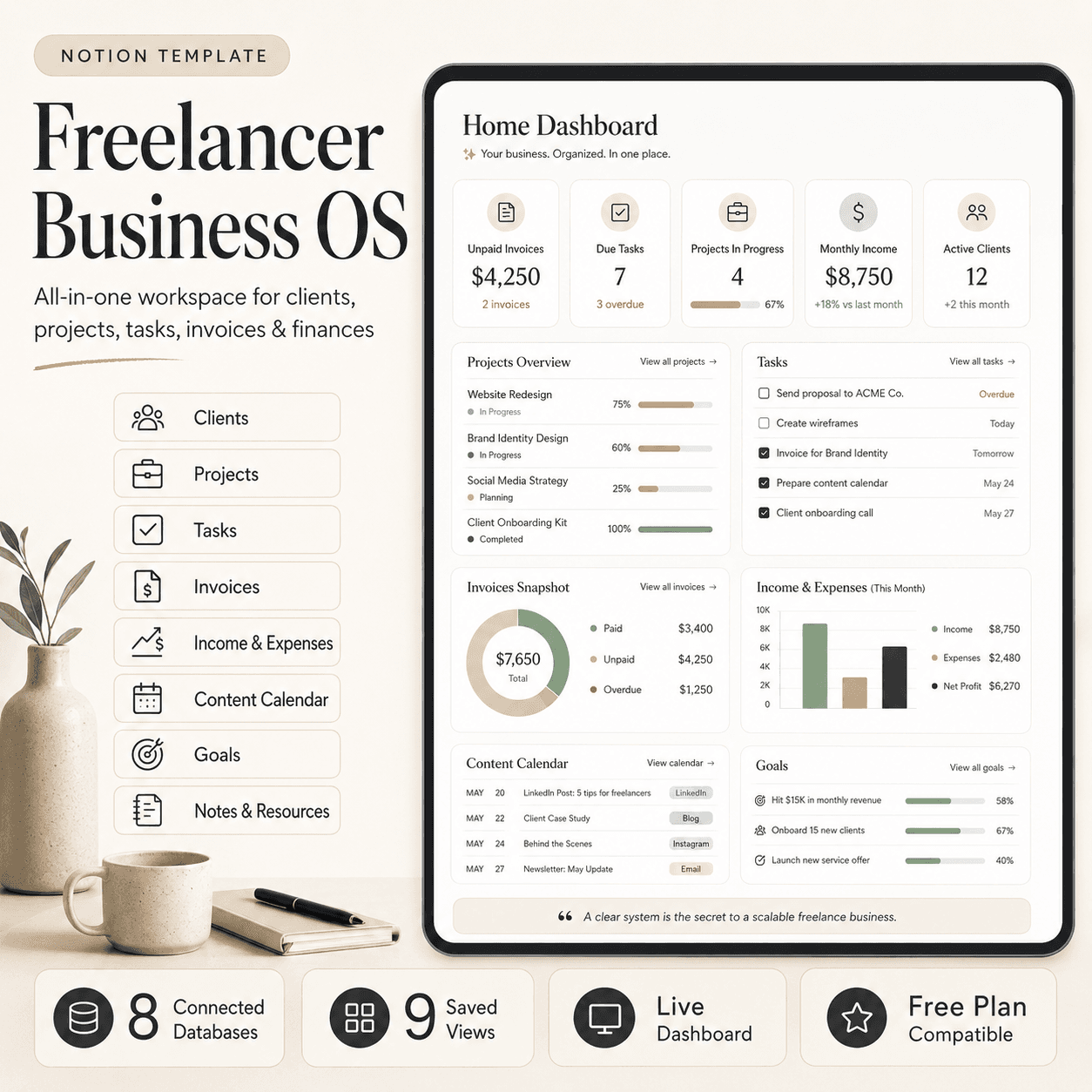
Freelancer Business OS | All-in-One Notion Template for Clients, Projects, Tasks, Invoices & Finances
$50$29.99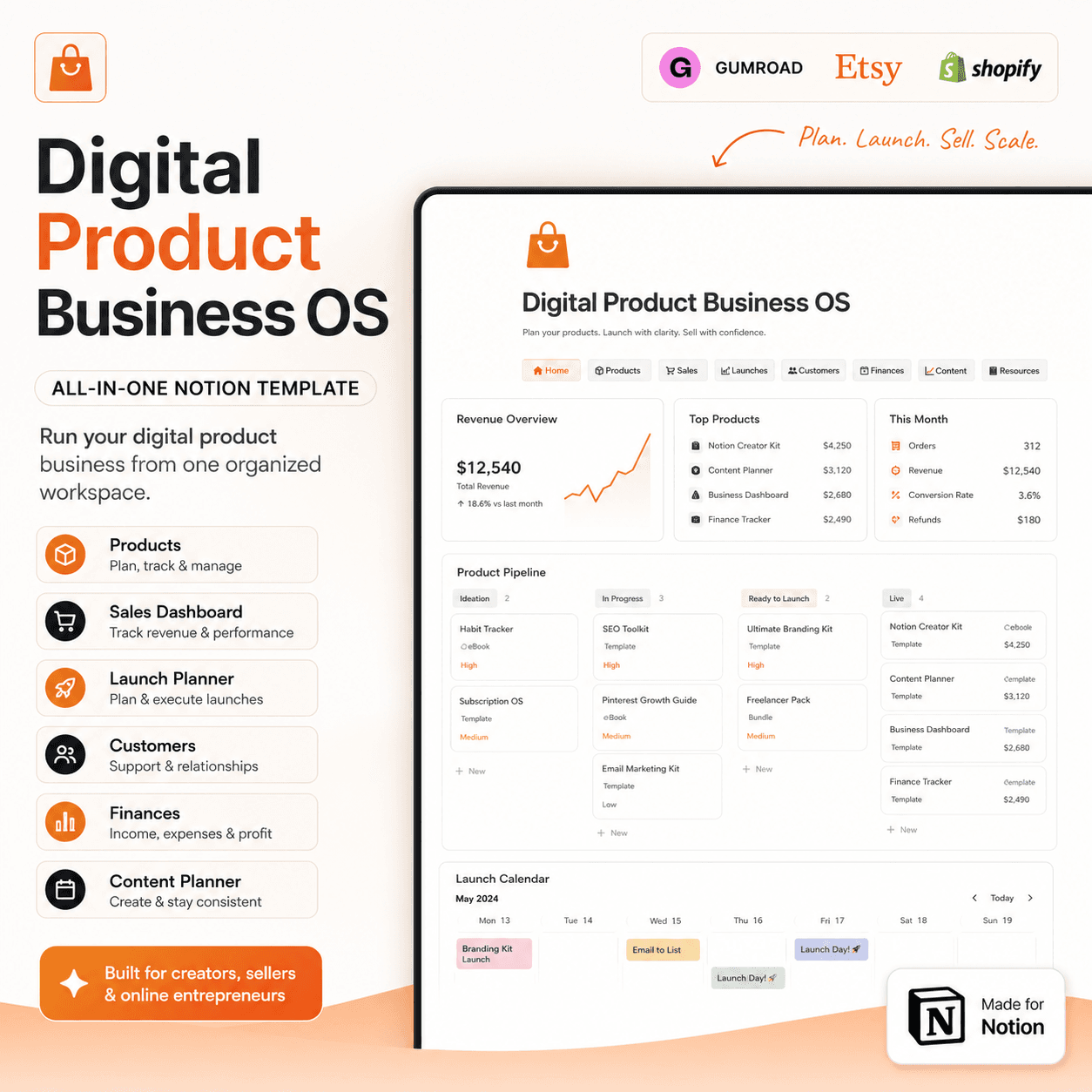 Notion
Digital Product Business OS | Notion Template for Gumroad, Etsy & Online Sellers
$50$29.99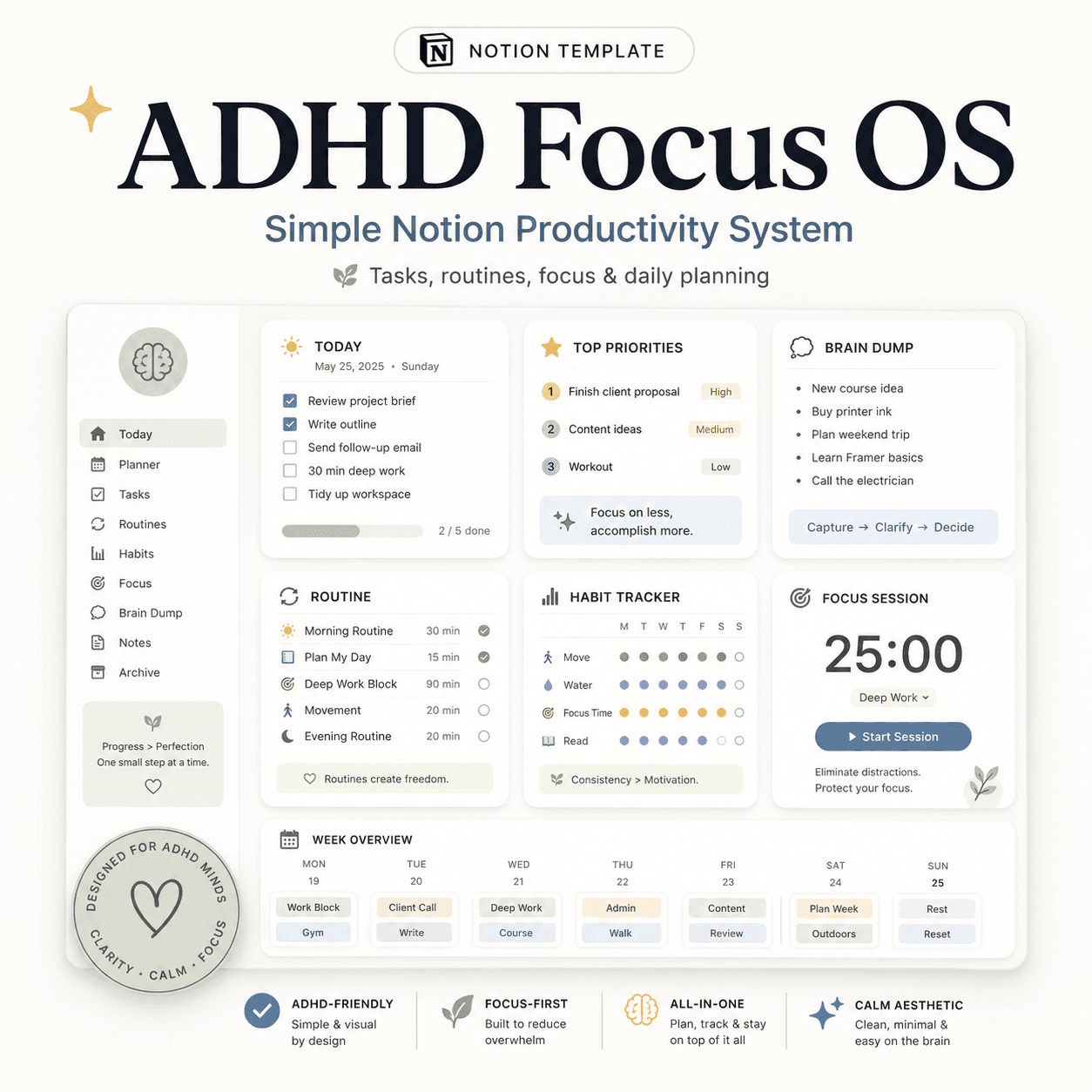 Notion
ADHD Focus OS | Simple Notion Productivity System for Tasks, Routines & Daily Planning
$50$29.99More from the lab
View all posts → Notion
The PARA Method in Notion: A Complete Setup Guide
How to build Projects, Areas, Resources and Archives as related Notion databases — not just four static pages — so the system actually holds up as it grows.
 Notion
Notion Templates: The Complete Guide to Building Your Best Workspace
What actually makes a Notion template worth using, free vs. paid trade-offs, and how to pick the right system for founders, personal productivity, content teams and more.
 Notion
Notion for Small Business: Templates to Run Your Whole Operation
The leaner version of a founder's Notion OS, built for solo operators and small teams who need one workspace instead of five subscriptions.