The Best Notion Templates for Founders and Startups

Most early-stage companies run on a patchwork: a spreadsheet for the roadmap, a separate tool for the CRM, a shared doc for hiring notes, and a dashboard nobody updates. Notion's pitch to founders is that all of that can live in one connected workspace — and the templates that make good on that pitch share a specific structure worth understanding before you pick one. (See our complete guide to Notion templates for how this fits alongside the other major use cases — personal productivity, content, and project delivery.)
What a founder-grade Notion template actually needs
A template built for running a company, not just a personal to-do list, needs at minimum: a goals or OKR database that ties back to individual projects, a lightweight CRM for pipeline and customer relationships, a hiring tracker with pipeline stages, and a central docs/wiki space that doesn't turn into a graveyard of stale pages. The hard part isn't building any one of those in isolation — it's relating them to each other so a goal actually rolls up from the projects under it, and a hire actually links to the team or function they're joining.
Founder OS: goals, CRM, hiring and dashboards in one workspace
Founder OS is built around exactly that relational structure — goals roll up from projects, projects roll up from tasks, the CRM sits alongside company docs instead of in a separate tool, and a dashboard view surfaces what actually needs attention today rather than everything at once. It's our best-selling Notion template for a reason: most founders don't need five specialized SaaS subscriptions in month one, they need one workspace that scales with the company instead of fragmenting it.
If you're deciding whether a free template gets you far enough before committing to a paid system, free vs. paid Notion templates covers exactly where that line sits for a founder's use case specifically.
Docs and hiring: the pieces that get bolted on late
Goals and a CRM tend to get built first because they're the most visible parts of running a company. Docs and hiring usually come later, almost as an afterthought, and that delay is exactly why they end up scattered — onboarding notes in a shared drive, hiring pipeline in a spreadsheet someone forwarded around. The fix isn't complicated: a docs database related to the team or function it belongs to, and a hiring pipeline that's just a smaller version of the same Contacts-and-stages structure a CRM uses, with candidates instead of customers moving through stages instead of a deal pipeline.
The CRM is usually the first thing to break
Of every database in a founder's workspace, the CRM is the one that most often gets replaced with a dedicated tool too early — usually because the free-template version was a flat contact list instead of a proper relational database. How to turn Notion into a CRM covers the structure (contacts, deals, activities, and the relations between them) that makes a Notion CRM hold up well past the first fifty customers, which is the same structure Founder OS ships with by default.
When "founder" really means "solo operator"
Not every Notion user running a business is managing a team — a large share are solo operators or two-person shops who need the operational pieces (invoicing notes, simple project tracking, a lightweight CRM) without the hiring or team-dashboard complexity. Notion for small business owners covers the leaner version of this same system for exactly that stage.
Beyond the company OS
A founder's Notion workspace doesn't exist in isolation from the rest of the company's tooling. If your team also runs marketing or content operations, Notion project management templates covers keeping delivery on track once the team's "projects" stop being one person's to-do list and start being a shared pipeline several people touch.
Picking the right starting point
If you're building a founder's workspace from scratch rather than adopting a packaged system, start with the goals-to-projects relation first — everything else in the workspace should tie back to it. How to create a Notion template from scratch covers that database-first approach in detail. If you'd rather start from a system that already has those relations wired correctly, Founder OS is built to run the whole company from day one.
Build this with
 Notion
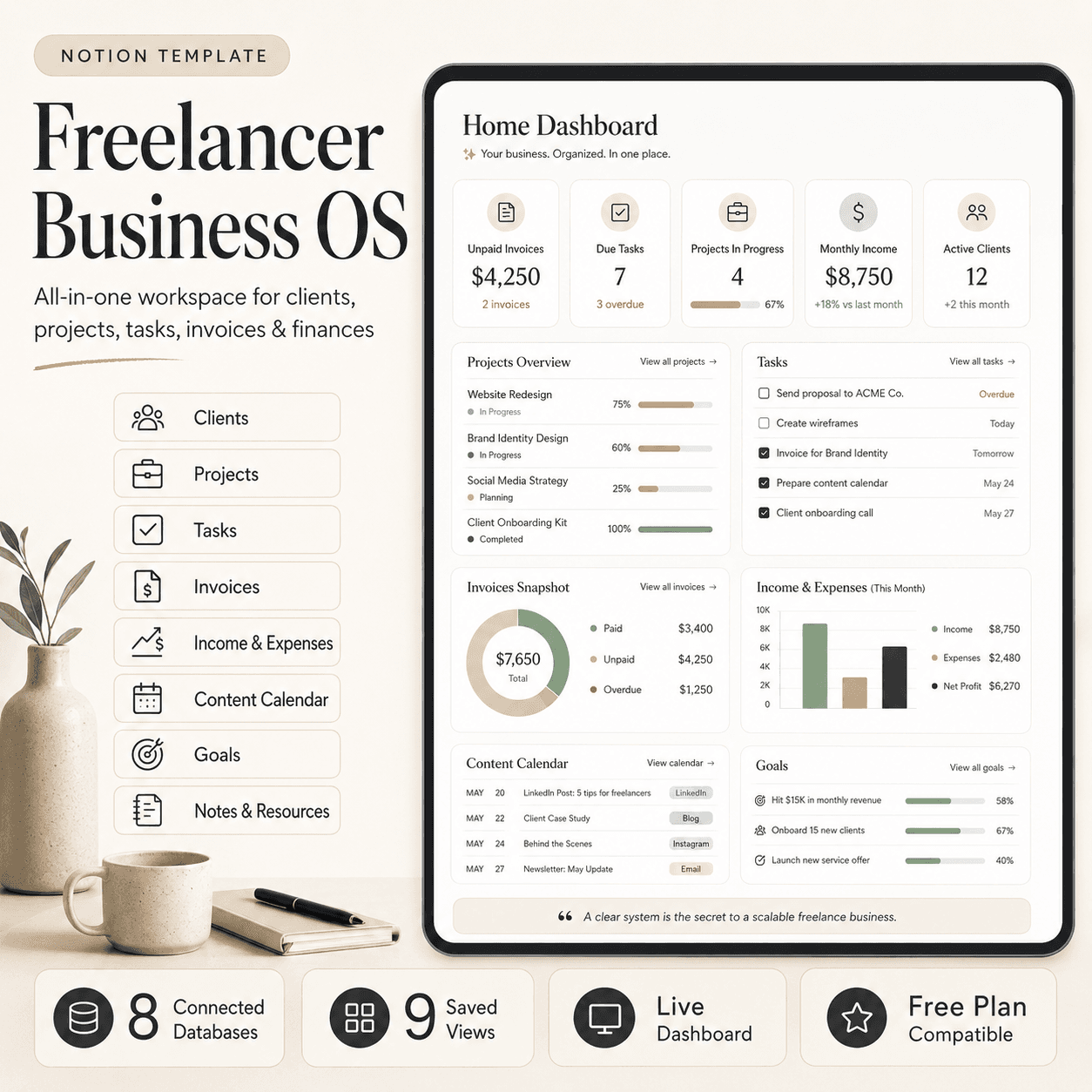
Freelancer Business OS | All-in-One Notion Template for Clients, Projects, Tasks, Invoices & Finances
$50$29.99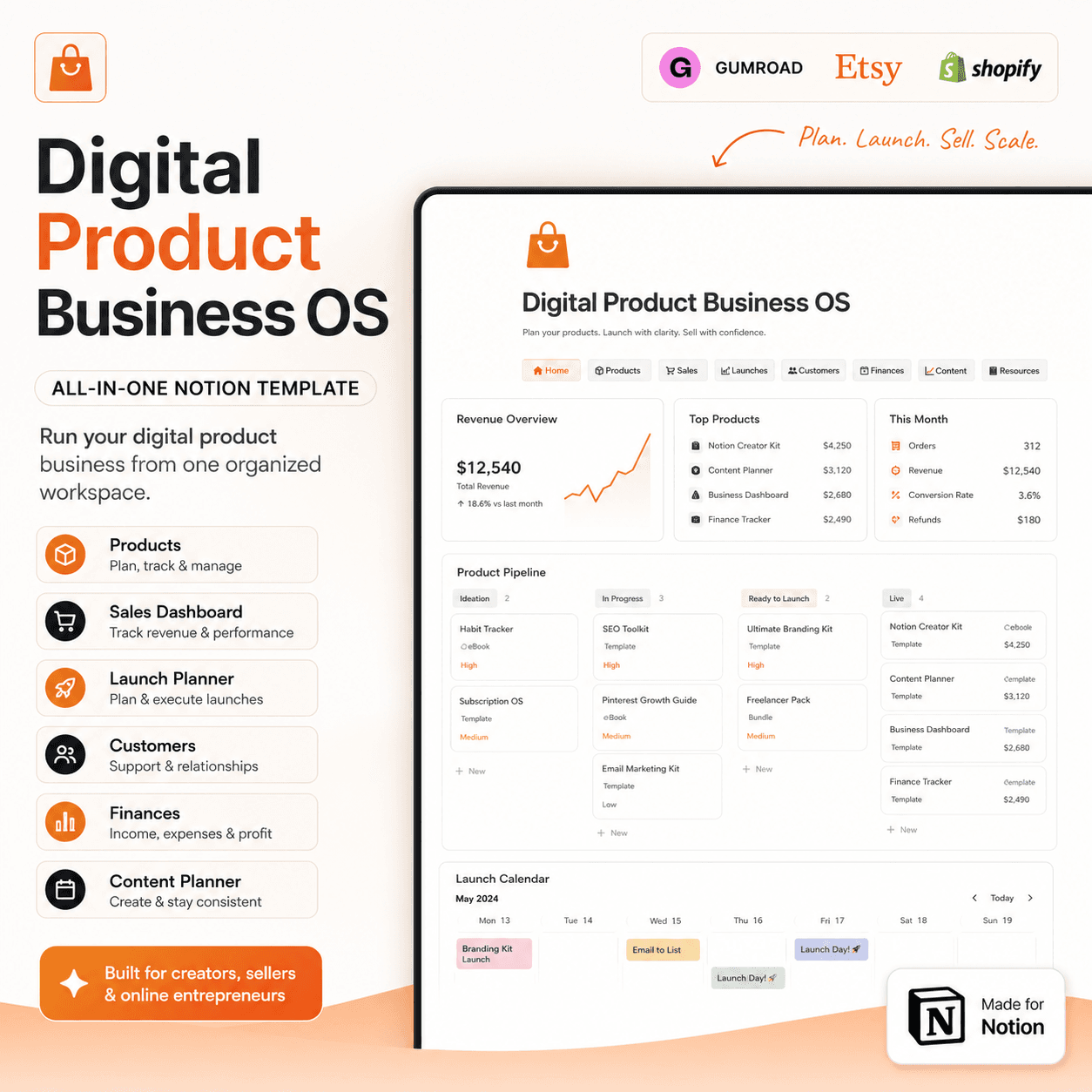 Notion
Digital Product Business OS | Notion Template for Gumroad, Etsy & Online Sellers
$50$29.99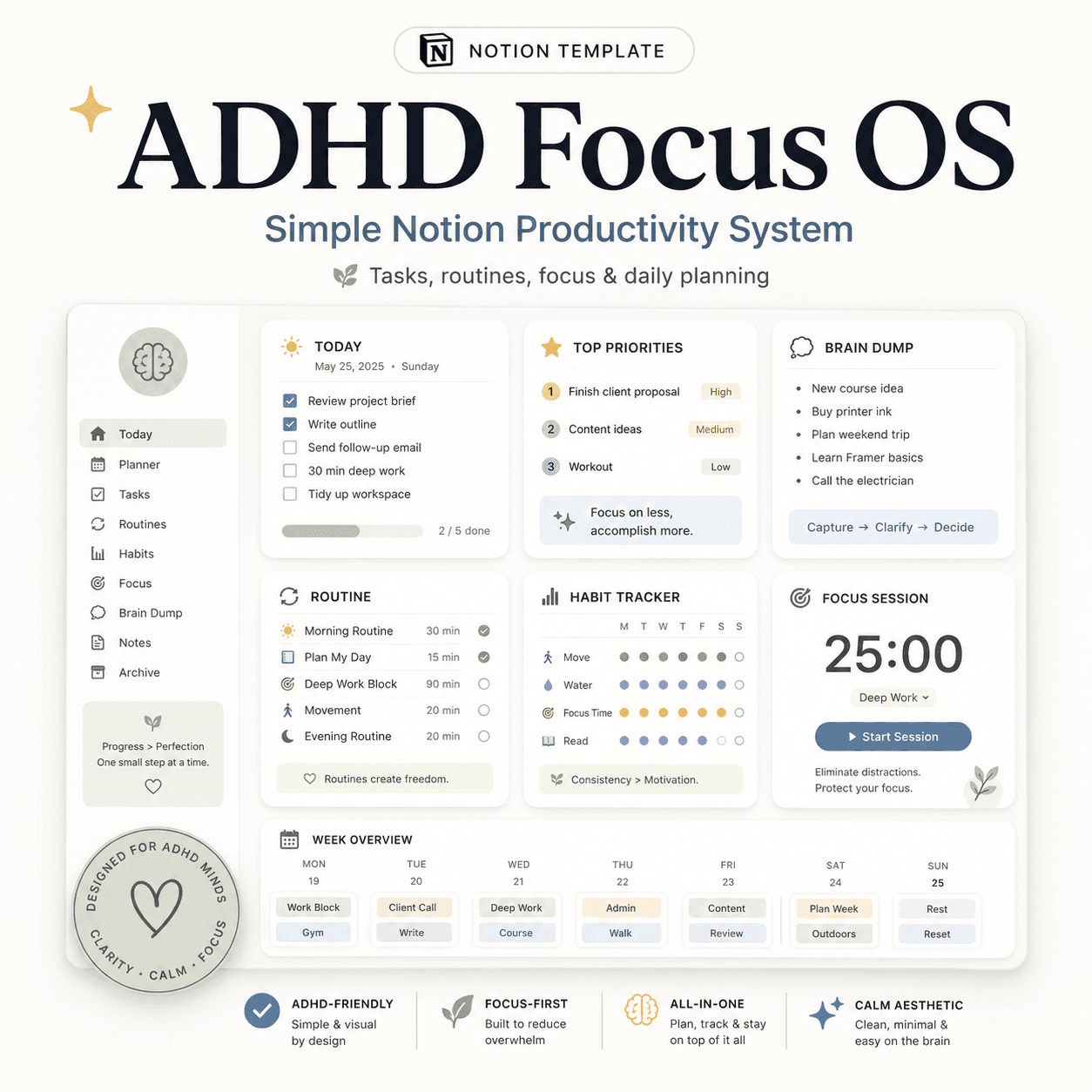 Notion
ADHD Focus OS | Simple Notion Productivity System for Tasks, Routines & Daily Planning
$50$29.99More from the lab
View all posts → Notion
The PARA Method in Notion: A Complete Setup Guide
How to build Projects, Areas, Resources and Archives as related Notion databases — not just four static pages — so the system actually holds up as it grows.
 Notion
Notion vs Trello vs ClickUp: Which One Should You Actually Use?
Where Notion, Trello and ClickUp each actually win — connected knowledge and flexible databases, dead-simple boards, or heavier built-in project management.
 Notion
Notion Templates: The Complete Guide to Building Your Best Workspace
What actually makes a Notion template worth using, free vs. paid trade-offs, and how to pick the right system for founders, personal productivity, content teams and more.