Notion for Small Business: Templates to Run Your Whole Operation

A lot of Notion's small-business content assumes a founder with a team behind them — a hiring pipeline, multiple departments, a dashboard several people check daily. Plenty of small business owners are running the whole operation solo or with one or two people, and the system that fits them looks different: leaner, fewer databases, but still connected rather than scattered across five separate apps. (See our complete guide to Notion templates for how this compares to the full company-OS version.)
What a solo operator actually needs
Strip a full company OS down to what a one- or two-person business genuinely uses day to day: a simple CRM for customer relationships and follow-ups, a project or task tracker for delivery work, and a place for the recurring operational notes (supplier contacts, pricing, standard procedures) that would otherwise live in someone's memory or a random note app. Hiring pipelines, department dashboards, and multi-team permissions — the parts of a bigger company's Notion setup — usually aren't worth building until there's an actual team to manage.
The CRM still matters, just at a smaller scale
Customer relationships don't get simpler just because the business is smaller — a small business owner juggling a dozen active clients or customers still needs to know who they last talked to and what's outstanding. How to turn Notion into a CRM covers the same contacts-deals-activities structure that works at any scale; a solo operator just populates fewer rows and checks it less formally than a dedicated sales team would.
Keeping operations from living in your head
The most common failure mode for a solo-run business isn't lack of ambition — it's operational knowledge that only exists in the owner's head, which becomes a real problem the moment they're sick, on vacation, or eventually hire someone. A simple "Standard Procedures" database — one row per repeatable task, with the steps written out — is a low-effort way to start externalizing that knowledge before it's urgently needed.
Invoicing and finances: keep it simple, don't rebuild accounting software
A common overreach is trying to turn Notion into a full accounting system — it isn't one, and attempting to replicate invoicing, tax tracking, and bookkeeping inside a database usually produces something worse than a dedicated (often free or cheap) accounting tool. Where Notion earns its place is tracking the operational side of finances: which invoices are outstanding, which clients are on what payment terms, linked to the CRM so a follow-up email is one click from the contact record — while leaving actual bookkeeping to purpose-built software.
Founder OS, scaled down
Founder OS is built for running an entire company, but its underlying structure — goals tied to projects, a real CRM, a central docs space — works just as well for a business of one, simply populated at a smaller scale. Rather than building a separate "lite" system, most solo operators get more value starting from the same connected structure and only building out the pieces (like hiring) once they're actually needed.
Don't forget the personal side of running solo
Running a business solo tends to blur the line between company operations and personal workload — it's worth building a personal second brain alongside your business OS so personal learning, reading and planning don't get crammed into the same database as customer and project data. The best Notion second brain templates covers that side specifically.
When it's time to think bigger
The moment a solo operation adds its first hire, the workspace needs pieces it didn't before — a hiring pipeline, shared dashboards, permission boundaries between what the owner sees and what a new team member sees. Notion templates for founders and startups covers that fuller structure, worth reading before the business outgrows the leaner setup this post covers.
Comparing tools before you commit further
If you're still deciding whether Notion is the right base for a small operation versus a dedicated small-business tool, Notion vs. Trello vs. ClickUp breaks down where each tool actually wins — Notion's advantage for a small business specifically is keeping customer data, project tracking and reference notes connected in one place instead of paying for and switching between several single-purpose apps.
Build this with
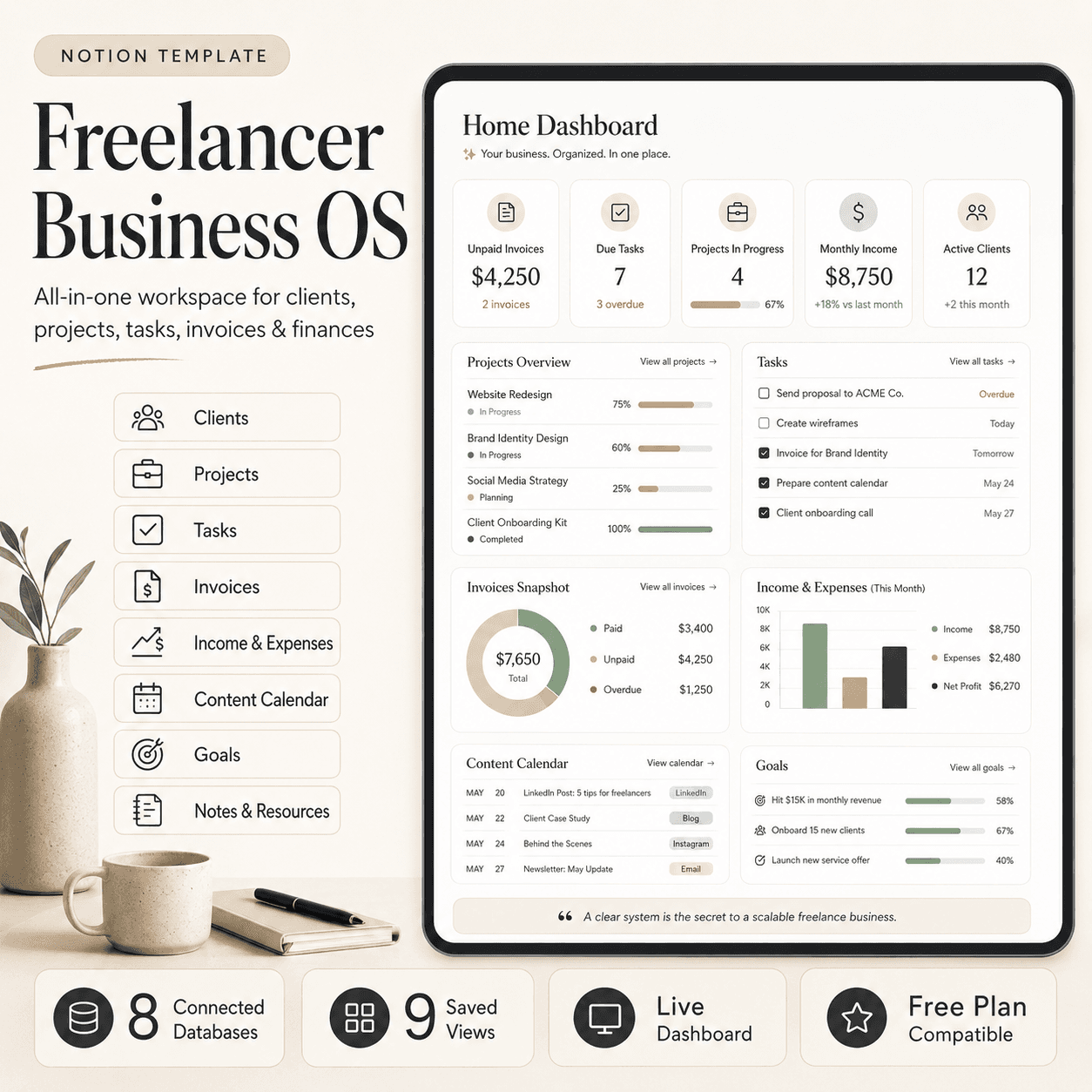 Notion
Freelancer Business OS | All-in-One Notion Template for Clients, Projects, Tasks, Invoices & Finances
$50$29.99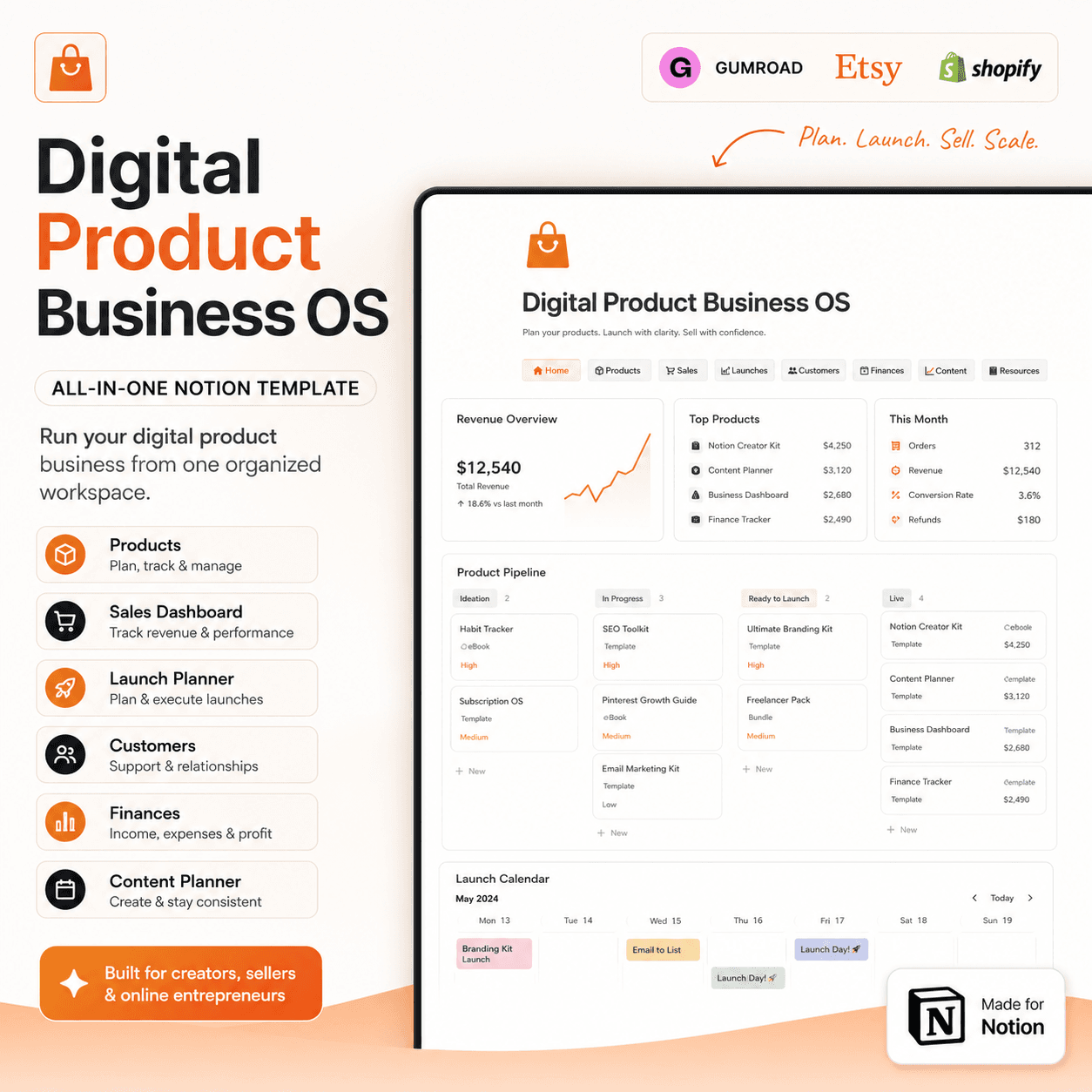 Notion
Digital Product Business OS | Notion Template for Gumroad, Etsy & Online Sellers
$50$29.99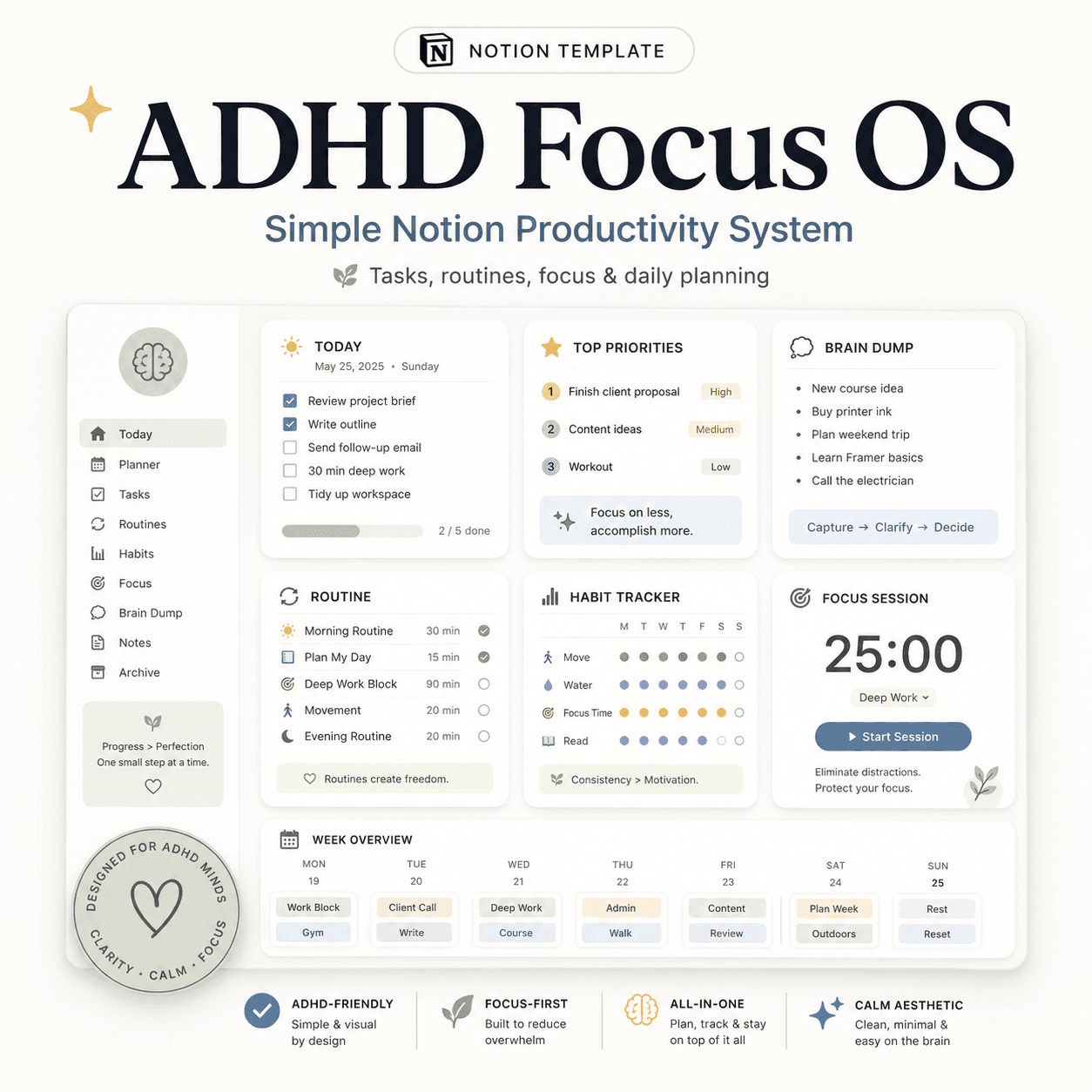 Notion
ADHD Focus OS | Simple Notion Productivity System for Tasks, Routines & Daily Planning
$50$29.99More from the lab
View all posts → Notion
The PARA Method in Notion: A Complete Setup Guide
How to build Projects, Areas, Resources and Archives as related Notion databases — not just four static pages — so the system actually holds up as it grows.
 Notion
Notion vs Trello vs ClickUp: Which One Should You Actually Use?
Where Notion, Trello and ClickUp each actually win — connected knowledge and flexible databases, dead-simple boards, or heavier built-in project management.
 Notion
Notion Templates: The Complete Guide to Building Your Best Workspace
What actually makes a Notion template worth using, free vs. paid trade-offs, and how to pick the right system for founders, personal productivity, content teams and more.