Notion CRM Template: How to Turn Notion Into a Simple CRM

A lot of Notion CRMs start the same way: one database, a handful of contact fields, a status property for "lead / customer / churned." It works for the first dozen contacts. It falls apart around the fiftieth, when you realize a contact can have multiple deals, a deal has a history of activities and touchpoints, and none of that fits in one flat table. (This is one piece of a bigger workspace — see our complete guide to Notion templates for the rest.)
The three databases a real Notion CRM needs
A CRM that scales past a spreadsheet-with-extra-steps needs at least three related databases:
- Contacts — the person or company, with static info: name, company, role, source.
- Deals — a separate database, related back to Contacts, tracking pipeline stage, value, and close date. One contact can have several deals over time; that's why this can't live as a property on the Contacts table itself.
- Activities — calls, emails, meetings — related to both Contacts and Deals, so you can see a full interaction history without digging through email threads.
The relation and rollup properties are what make this a CRM instead of three separate lists. A rollup on the Contacts table can surface "total deal value" or "last activity date" automatically, pulled from the related Deals and Activities records, so you never have to manually update a summary field again.
Setting up pipeline stages that mean something
Pipeline stages should map to an action, not a feeling — "Contacted," "Demo scheduled," "Proposal sent," "Closed won/lost" — rather than vague labels like "Warm" or "Interested." A board view grouped by stage turns the Deals database into a visual pipeline you can drag cards across, which is the single most useful view for anyone doing active sales work in the system day to day.
A common mistake: tracking deals as a property, not a database
The single most common setup mistake is adding a "Deal Value" and "Deal Stage" property directly on the Contacts table instead of creating a separate Deals database. That works fine until a customer buys a second time — at which point you either overwrite the first deal's data or start bolting on "Deal 2 Value," "Deal 3 Value" properties, which is a sign the structure needs to be a related database instead. Separating Deals from Contacts from the start avoids a rebuild later once real repeat-customer data exposes the limitation.
Where this fits inside a broader founder workspace
A CRM rarely lives in isolation — it needs to connect to the rest of a founder's operational workspace so a closed deal can, for example, kick off an onboarding project. Notion templates for founders and startups covers that broader structure, and our Founder OS template ships this exact contacts-deals-activities CRM structure already wired into the rest of the workspace, rather than as a standalone database you have to integrate yourself.
Scaling it down for a leaner operation
Not every CRM user is running a venture-backed startup — a lot of Notion CRMs support a single operator managing their own pipeline. Notion for small business owners covers exactly that leaner context, where the same three-database structure applies at a smaller scale and a lighter maintenance rhythm.
When a Notion CRM stops being enough
Notion's relational databases get you most of the way to dedicated CRM software — pipeline visibility, activity history, basic reporting via rollups — without a per-seat monthly bill. Where it falls short is heavy sales automation: sequenced email campaigns, calling integrations, and territory management across a large sales team. If you're a solo founder, freelancer, or small team managing your own pipeline, Notion covers the real need. Notion for small business owners covers where that line typically sits for smaller operations specifically.
Building it yourself vs. starting from a template
The three-database structure above is straightforward to build from scratch if you understand relations and rollups going in — how to create a Notion template covers that foundation. If you'd rather skip the setup and start with contacts, deals and activities already related and rolled up correctly, Founder OS ships that structure out of the box, along with the goals, hiring and docs databases the rest of a founder's workspace needs.
Build this with
 Notion
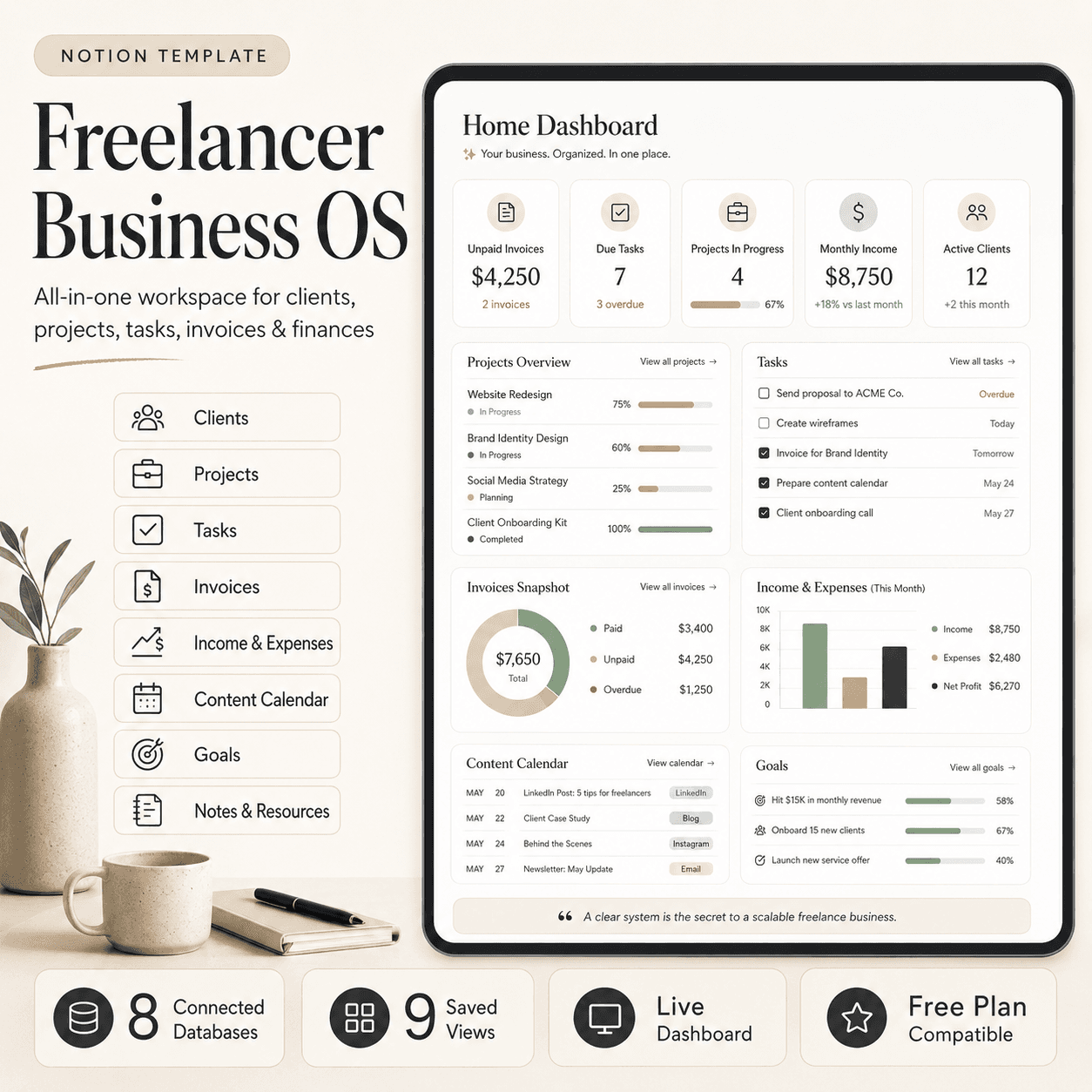
Freelancer Business OS | All-in-One Notion Template for Clients, Projects, Tasks, Invoices & Finances
$50$29.99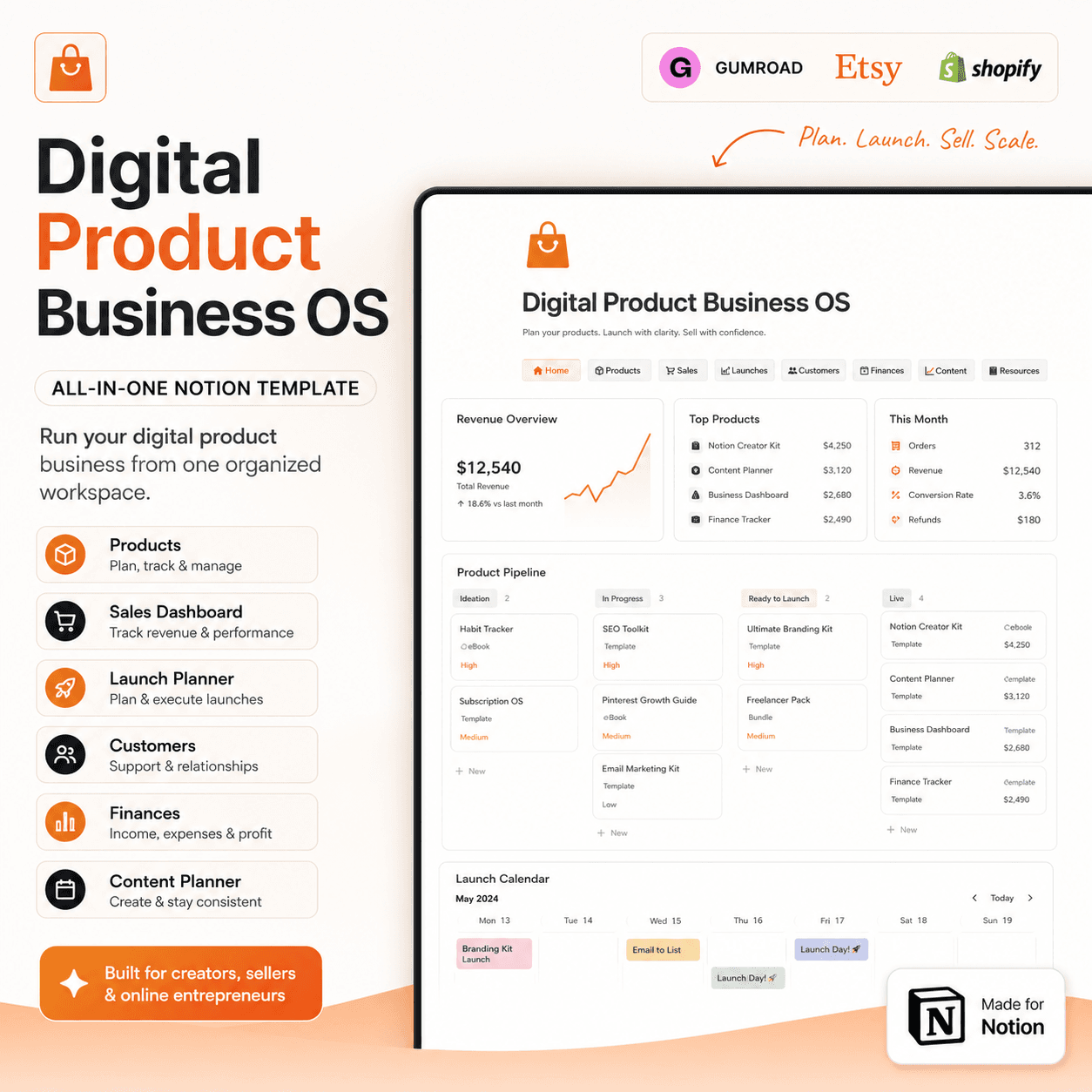 Notion
Digital Product Business OS | Notion Template for Gumroad, Etsy & Online Sellers
$50$29.99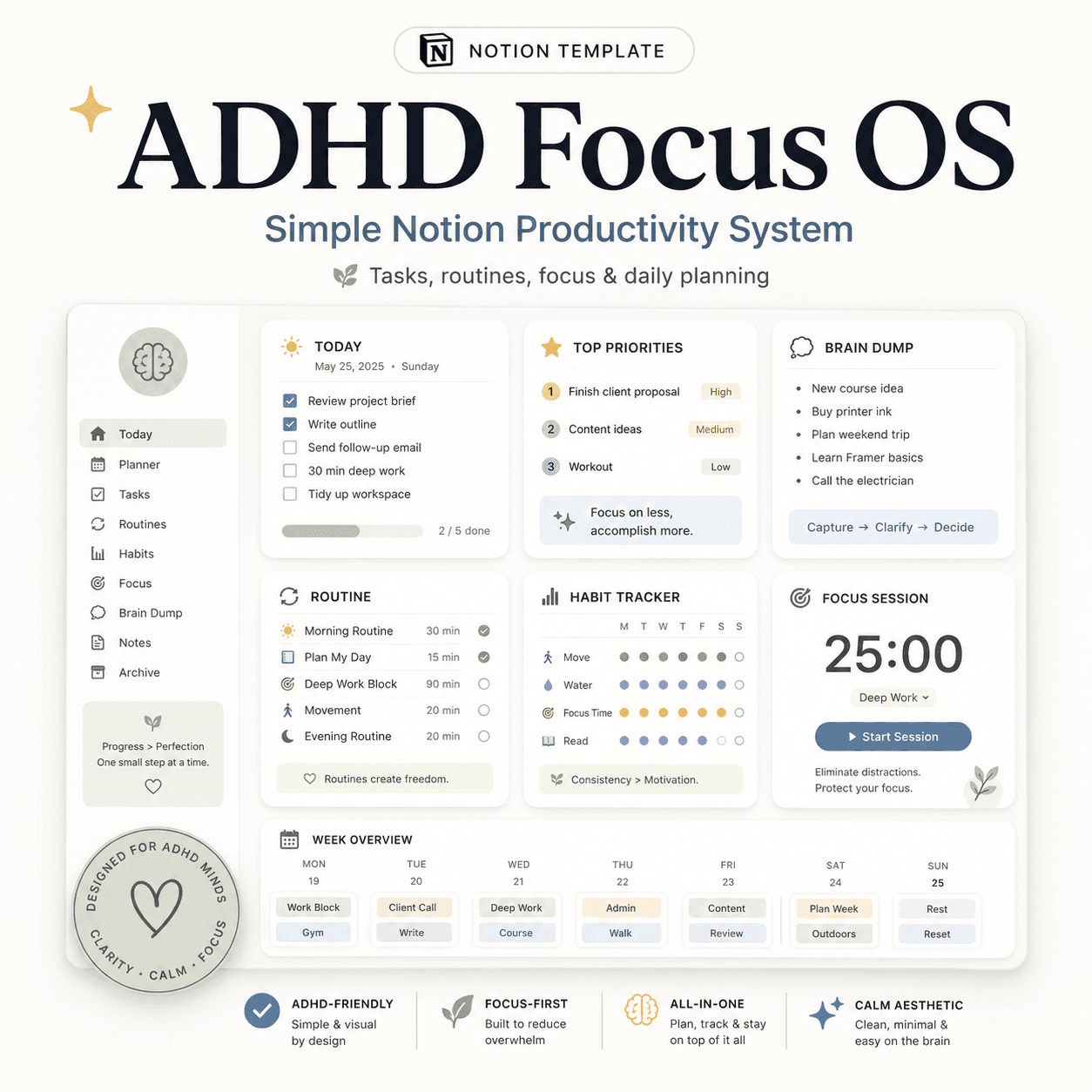 Notion
ADHD Focus OS | Simple Notion Productivity System for Tasks, Routines & Daily Planning
$50$29.99More from the lab
View all posts → Notion
The PARA Method in Notion: A Complete Setup Guide
How to build Projects, Areas, Resources and Archives as related Notion databases — not just four static pages — so the system actually holds up as it grows.
 Notion
Notion vs Trello vs ClickUp: Which One Should You Actually Use?
Where Notion, Trello and ClickUp each actually win — connected knowledge and flexible databases, dead-simple boards, or heavier built-in project management.
 Notion
Notion Templates: The Complete Guide to Building Your Best Workspace
What actually makes a Notion template worth using, free vs. paid trade-offs, and how to pick the right system for founders, personal productivity, content teams and more.