Notion Content Calendar Templates: Plan and Publish Without the Chaos

A content calendar that's just a calendar — dates with post titles written in — tells you when something is supposed to go out. It doesn't tell you what stage a piece is actually in, who's supposed to act on it next, or which channel it's headed to. That's the gap a proper Notion content calendar closes: one database, several views, tracking status instead of just dates. (See our complete guide to Notion templates for how this fits alongside company operations and personal-productivity systems.)
Why a status property beats a plain calendar
The single most useful addition to a content calendar is a Status property with real pipeline stages — Idea, Drafting, In Review, Scheduled, Published — rather than a calendar that only shows a publish date. A board view grouped by that status turns the same database into a visual pipeline anyone on the team can scan in seconds to see what's stuck in review versus what's ready to go out.
Tracking channel and format without duplicate entries
Most content today isn't one piece — it's one idea repurposed across a blog post, a few social platforms, and maybe an email. Rather than creating a separate database row per channel (which fragments status tracking), a multi-select "Channels" property on a single content item, paired with a rollup or linked view per channel, keeps one source of truth while still letting you filter down to "everything going to LinkedIn this week."
Views worth building
Beyond the board view by status, a calendar view (for the actual publish-date planning) and a table view filtered to "In Review" (for whoever approves content before it ships) cover most of what a content team actually checks day to day. If you have distinct contributors — a writer, an editor, a social scheduler — a per-person filtered view each of them can bookmark keeps everyone looking at their own slice of the pipeline instead of the entire calendar at once.
Handling approvals without a separate tool
Teams that need sign-off before publishing often reach for a separate approval tool, when a "Needs Approval" status stage plus a comment thread on the content item's page usually covers it. The trick is making the approver's job require zero extra clicks beyond checking their own filtered view — if approving something means switching to a different app entirely, that step becomes the bottleneck in an otherwise fast pipeline, which defeats the point of centralizing content operations in the first place.
Content Engine
Content Engine ships this exact structure — status-based pipeline, channel tracking, and calendar and board views already built — so a team can start tracking content the same day instead of spending the first week designing the database schema.
Beyond content: general project delivery
A content calendar is a specialized case of a broader problem — tracking work through stages with clear ownership. Teams whose work isn't purely content-shaped (client delivery, product launches, general operations) need a similar structure with different stages. Notion project management templates covers that broader version, including where a lighter content calendar stops being enough on its own.
Not ready to pay yet? Start with a free template
If a full paid system feels premature for where your content operation is today, grab a few free templates to get started — a simple status-tracked database is easy to build for free, and you can always graduate to a purpose-built system once the volume or team size justifies it.
Getting from idea to a working calendar
If you're building this from scratch rather than starting from a packaged template, start with the Status property and board view first — everything else (calendar view, channel tracking, per-person filters) layers on top of that foundation. How to create a Notion template covers that database-first approach for any system, content calendar or otherwise. Content Engine exists for teams who'd rather start with that structure already built.
Build this with
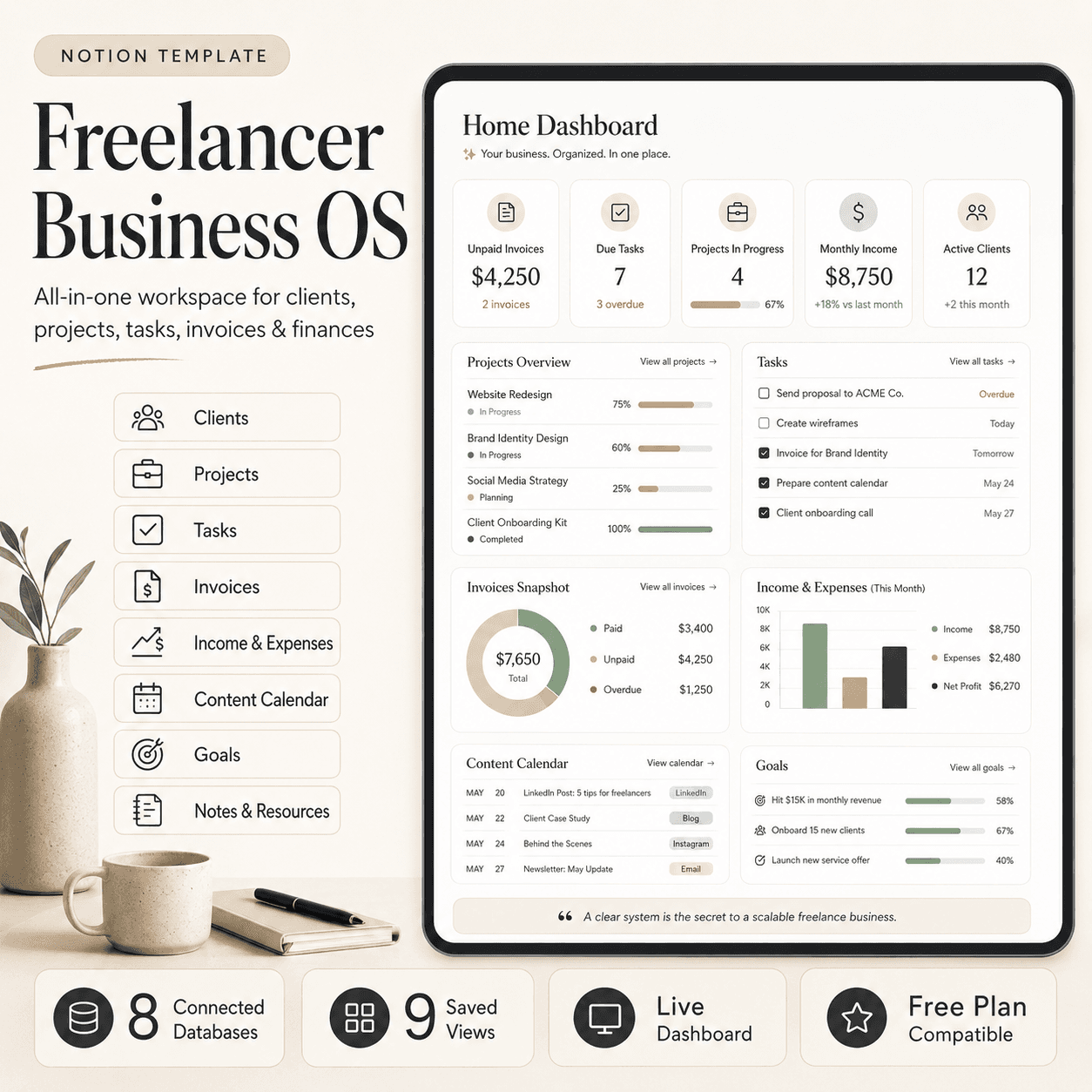 Notion
Freelancer Business OS | All-in-One Notion Template for Clients, Projects, Tasks, Invoices & Finances
$50$29.99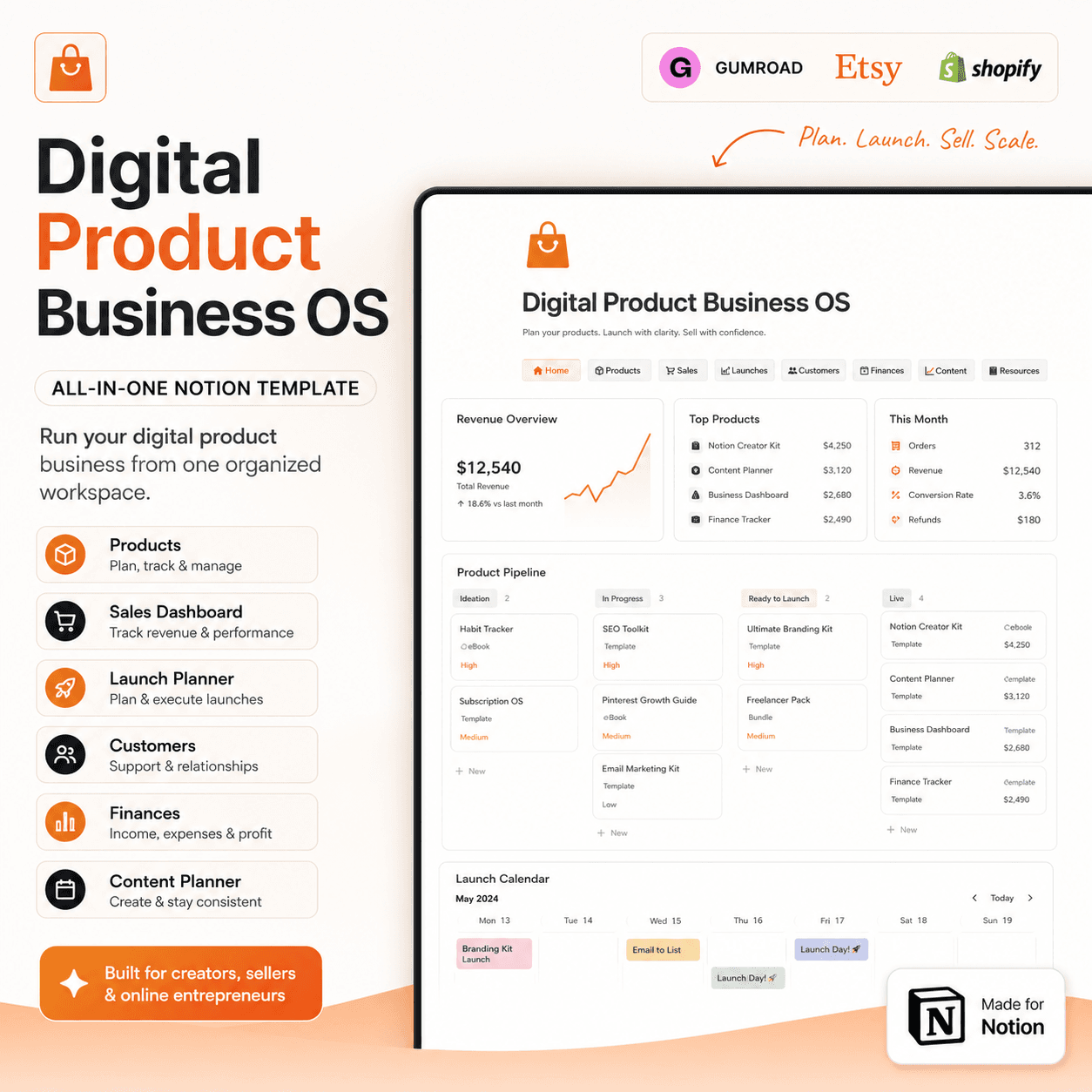 Notion
Digital Product Business OS | Notion Template for Gumroad, Etsy & Online Sellers
$50$29.99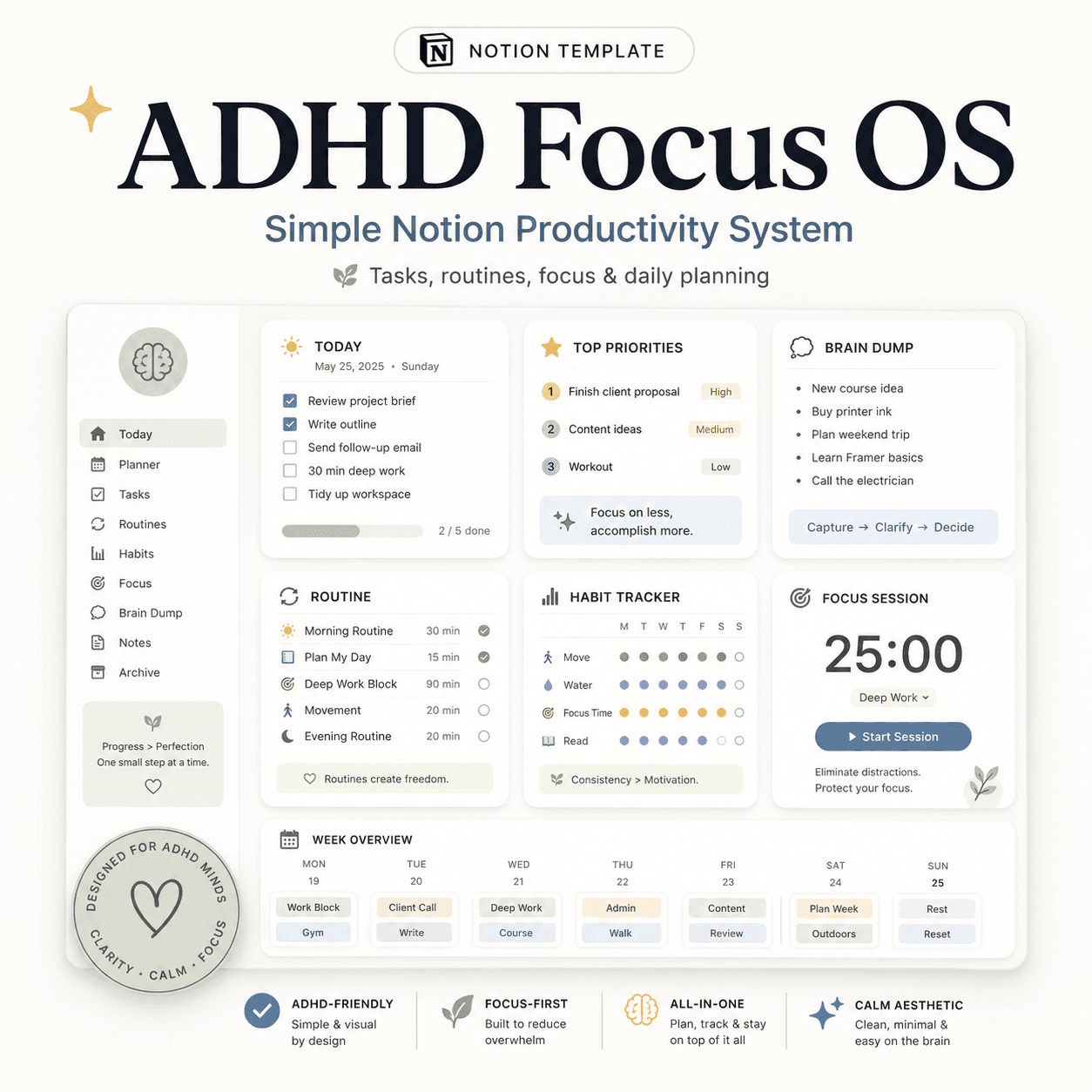 Notion
ADHD Focus OS | Simple Notion Productivity System for Tasks, Routines & Daily Planning
$50$29.99More from the lab
View all posts → Notion
The PARA Method in Notion: A Complete Setup Guide
How to build Projects, Areas, Resources and Archives as related Notion databases — not just four static pages — so the system actually holds up as it grows.
 Notion
Notion vs Trello vs ClickUp: Which One Should You Actually Use?
Where Notion, Trello and ClickUp each actually win — connected knowledge and flexible databases, dead-simple boards, or heavier built-in project management.
 Notion
Notion Templates: The Complete Guide to Building Your Best Workspace
What actually makes a Notion template worth using, free vs. paid trade-offs, and how to pick the right system for founders, personal productivity, content teams and more.