The Best Notion Templates for Students in 2026

Student use cases are one of the few places where a free Notion template is almost always the right call — the complexity of a class schedule or assignment tracker rarely justifies paying for a system, and Notion's free plan (with an education-verified upgrade for even more storage) covers it comfortably. (See our complete guide to Notion templates for how student use compares to the other major Notion use cases.)
The three databases that cover most of a semester
A student workspace holds up well with three related databases: Classes (one row per course, holding the syllabus link, professor, and meeting times), Assignments (related to Classes, with a due date and status property), and Notes (related to Classes, so lecture notes stay linked to the course they belong to instead of scattered across separate pages).
Assignment tracking: the property that matters most
A due-date property alone tells you when something's due. A status property — Not Started, In Progress, Submitted — combined with a calendar view grouped or filtered by class gives you an actual dashboard of what's overdue, what's in progress, and what's done, which matters more once you're juggling four or five classes with overlapping deadlines.
Study systems: linking notes to review
The templates that go beyond basic tracking add a lightweight review layer — a rollup or filtered view surfacing notes that haven't been reviewed recently, useful ahead of exams. This is a simplified version of the same spaced-review idea behind more advanced personal knowledge systems. The best Notion second brain templates covers the fuller version of that idea for anyone who wants to extend a student system into a lifelong knowledge base after graduating.
Group projects: the one place students actually need relations
The exception to "keep it simple" is group coursework, where a shared workspace with a Tasks database related to a Group Projects database lets every teammate see who owns what without a separate group chat thread doubling as the project tracker. This is a smaller-scale version of the same Projects-Tasks relation a professional team would use, worth knowing since it's often a student's first exposure to why relational databases matter at all.
Building one yourself
The class-assignments-notes structure above is simple enough to build in an afternoon once you understand relations between databases. How to create a Notion template from scratch covers exactly that database-first approach, and it's genuinely worth doing yourself here — a student system rarely has enough complexity to make a paid template worth it, unlike the multi-database systems founders or content teams typically need.
The same tracking pattern, applied elsewhere
The status-and-relation pattern behind a student assignment tracker is the same one behind Notion content calendar templates — a database of items moving through stages, related back to a parent record. Worth knowing if you ever need to build a similar tracker for a job or a creative project after graduating.
Free is enough — but know when it isn't
If your use case grows past "track my classes" into something like running a student org, a small side business, or freelance client work alongside school, that's the point where a purpose-built system (rather than a class tracker stretched to cover something it wasn't designed for) starts to pay off. Free vs. paid Notion templates covers exactly where that line sits.
Selling what you build
If you end up building a student system good enough that classmates start asking for a copy, that's often the first sign a template is worth packaging and selling. How to sell Notion templates covers what that actually takes, from a shareable duplication link to a real marketplace listing.
Build this with
 Notion
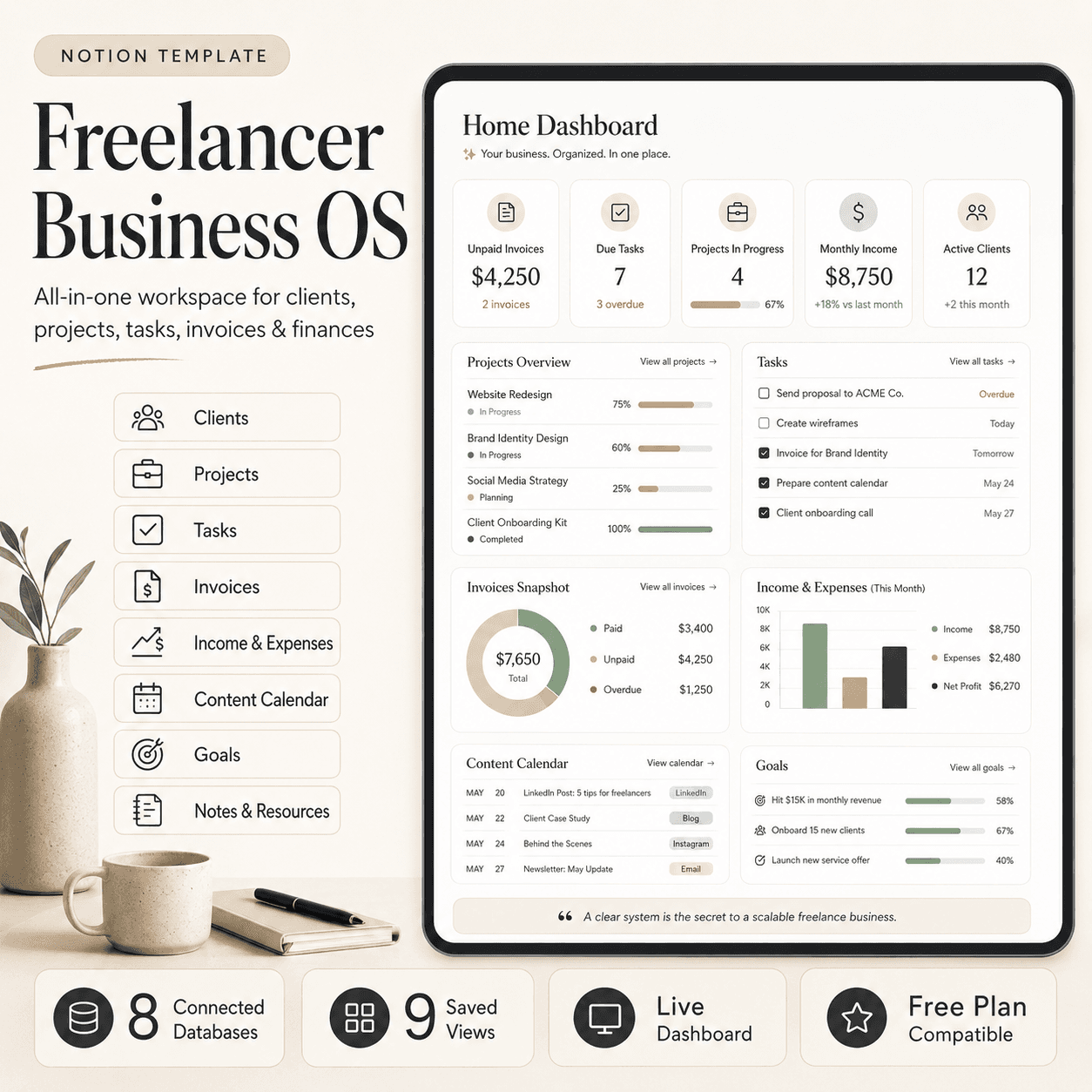
Freelancer Business OS | All-in-One Notion Template for Clients, Projects, Tasks, Invoices & Finances
$50$29.99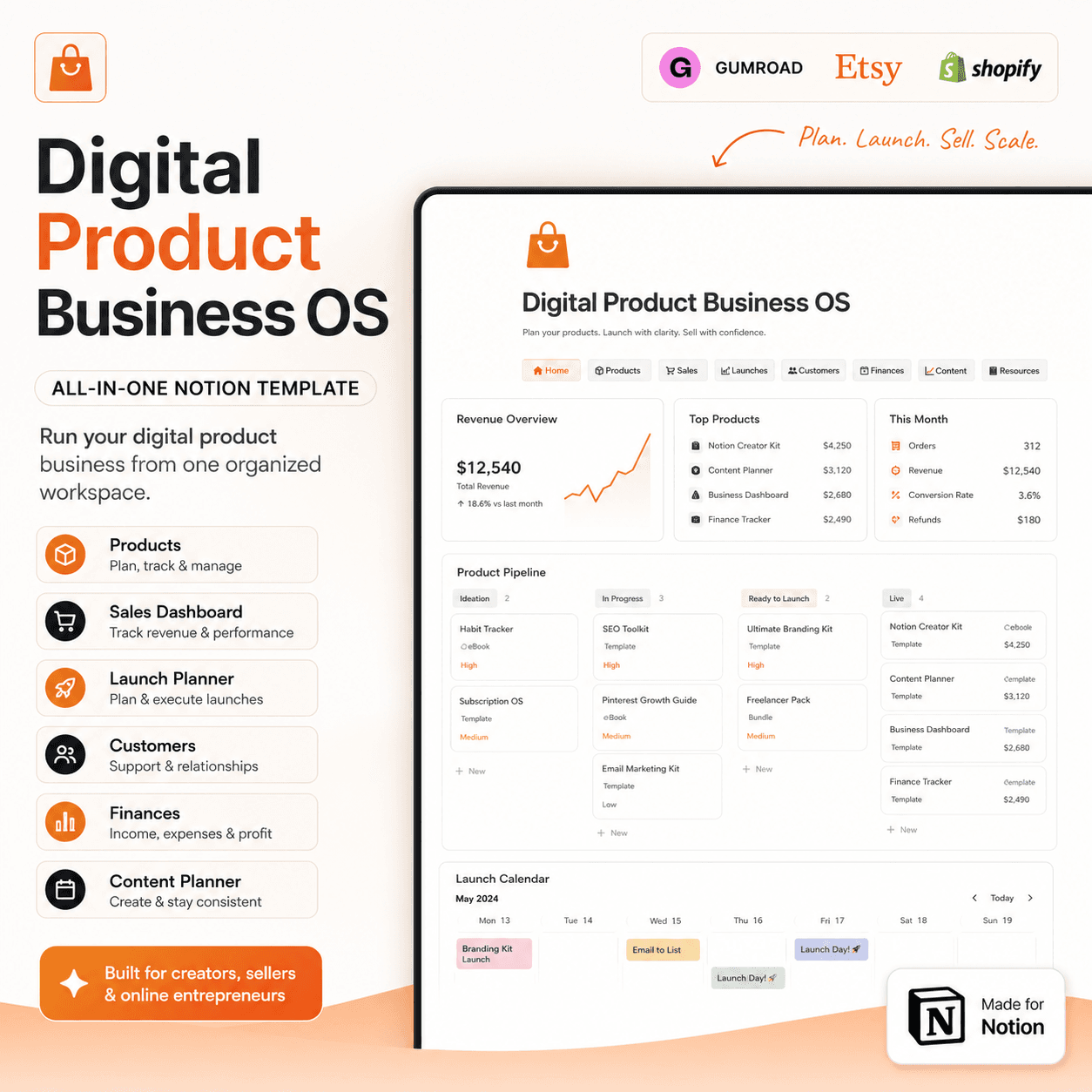 Notion
Digital Product Business OS | Notion Template for Gumroad, Etsy & Online Sellers
$50$29.99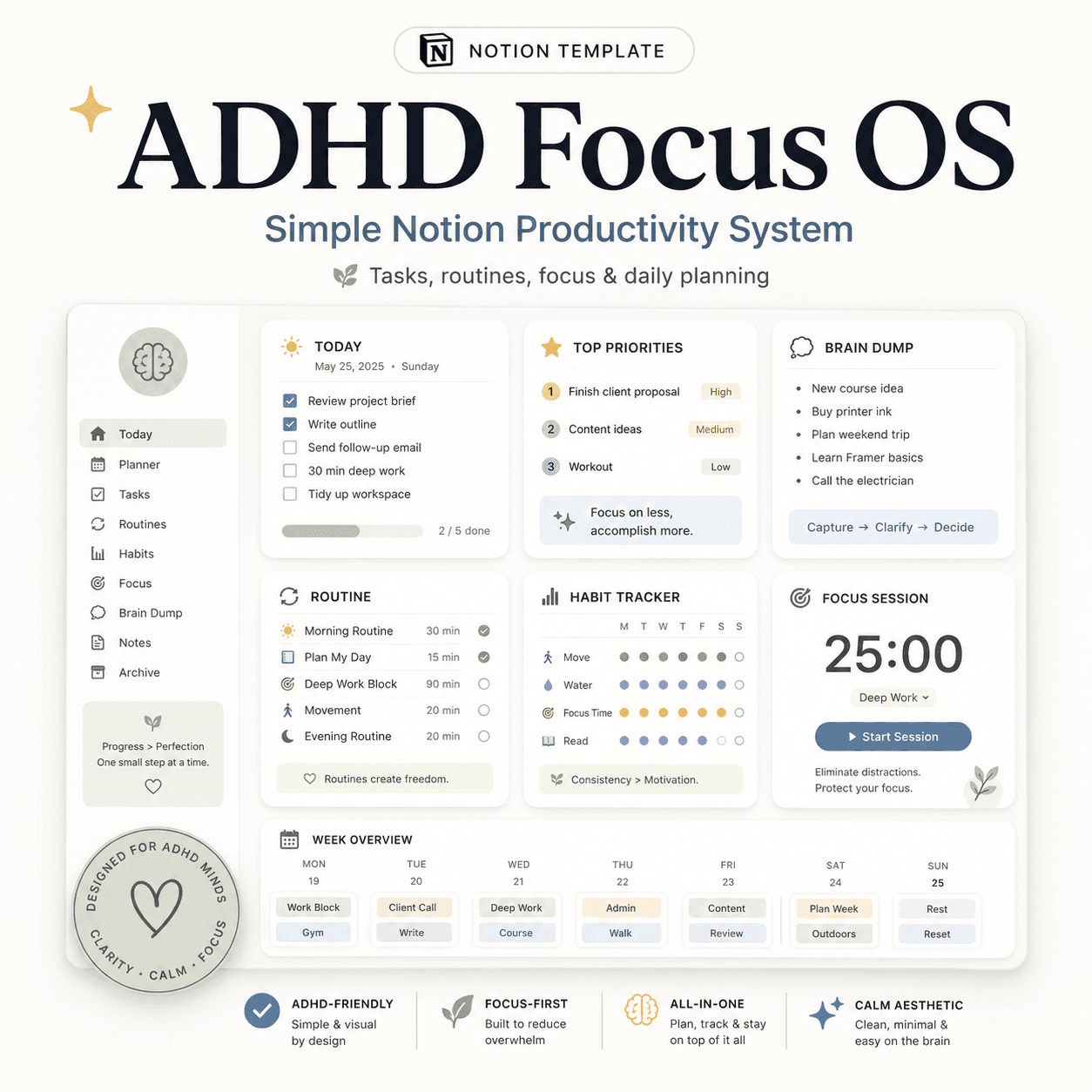 Notion
ADHD Focus OS | Simple Notion Productivity System for Tasks, Routines & Daily Planning
$50$29.99More from the lab
View all posts → Notion
The PARA Method in Notion: A Complete Setup Guide
How to build Projects, Areas, Resources and Archives as related Notion databases — not just four static pages — so the system actually holds up as it grows.
 Notion
Notion vs Trello vs ClickUp: Which One Should You Actually Use?
Where Notion, Trello and ClickUp each actually win — connected knowledge and flexible databases, dead-simple boards, or heavier built-in project management.
 Notion
Notion Templates: The Complete Guide to Building Your Best Workspace
What actually makes a Notion template worth using, free vs. paid trade-offs, and how to pick the right system for founders, personal productivity, content teams and more.